Learn about the New Remote Desktop in Richardson, Data Analytics for Accounting
McGraw Hill Connect just got a powerful upgrade designed to make data analytics education smoother, smarter, and more accessible than ever.
- Higher Education
- Article
- Blog
- Accounting Ledger
What's New?
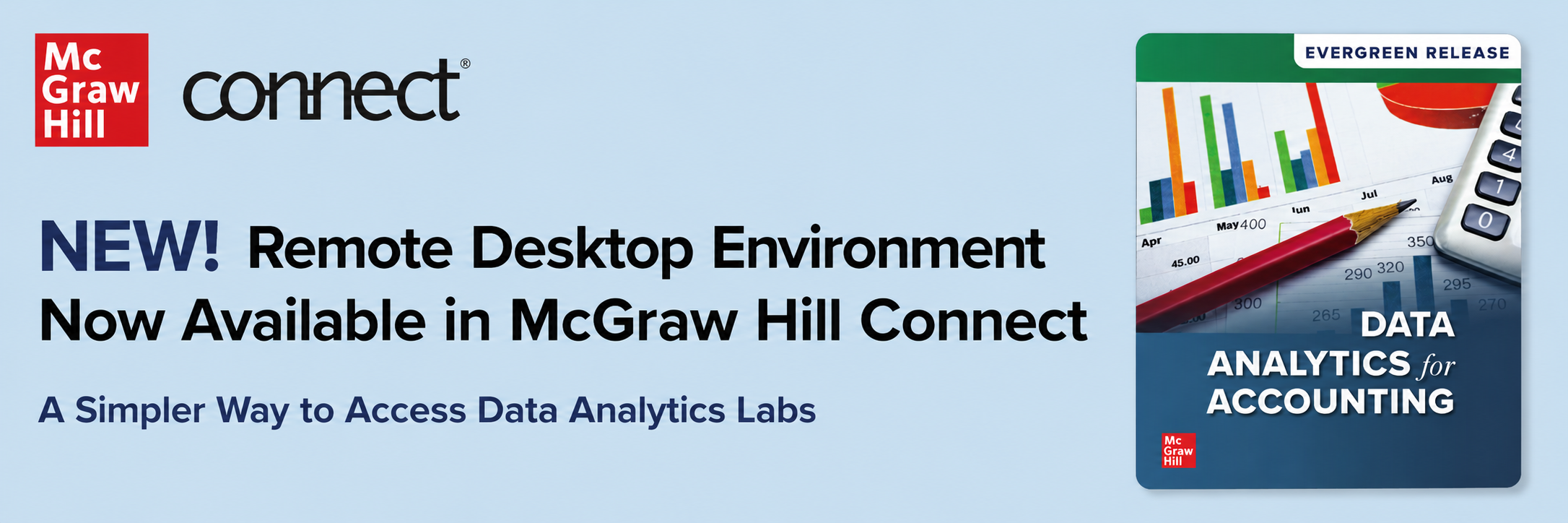
The virtual desktop experience in McGraw Hill Connect has been replaced with a brand-new Remote desktop powered by Skillable, integrated directly into the Connect platform.
Students no longer need to juggle separate accounts or navigate multiple platforms. Everything they need is now available from a single point of access, including:
- Microsoft Excel
- Power BI
- Tableau
- SQL
- The Dillard's Dataset
How Does It Work?
For courses already using the Comprehensive Case Labs in Connect, there's nothing extra to do. Assignments are automatically updated to include access to the new remote desktop. Students simply click the Launch Lab button within their Connect lab assignment, and the remote desktop opens in a new browser tab.
Instructors can preview the experience by accessing the remote desktop through Student View in Connect. Once inside, helpful resources are available on the right-hand side of the screen, including a tutorial video, a Using Tableau guide, and directions for saving work.
Why the Change?
As the Data Analytics for Accounting program has continued to grow, McGraw Hill made the strategic decision to transition to a more scalable and streamlined solution, one that simplifies the student experience and eliminates the friction of separate account management.
Get Started
Instructors can explore additional guidance by visiting the Instructor Resources section in Connect or accessing the Remote Desktop Tutorial Video.