
How do instructors access the Connect Section Home using LTI Advantage
Learn how instructors access the Connect Section Home through LTI Advantage.
- Higher Education
- Customer Support
- Connect
- Instructor


If you've paired your Connect account and section with LTI Advantage, you can access your Connect section home at any time using the LTI Advantage widget. If you haven't paired your account or section yet, skip to the links below for instructions.
Once you're on the LTI Advantage widget, click on Go to my Connect Section under Quick links to navigate directly to Connect.
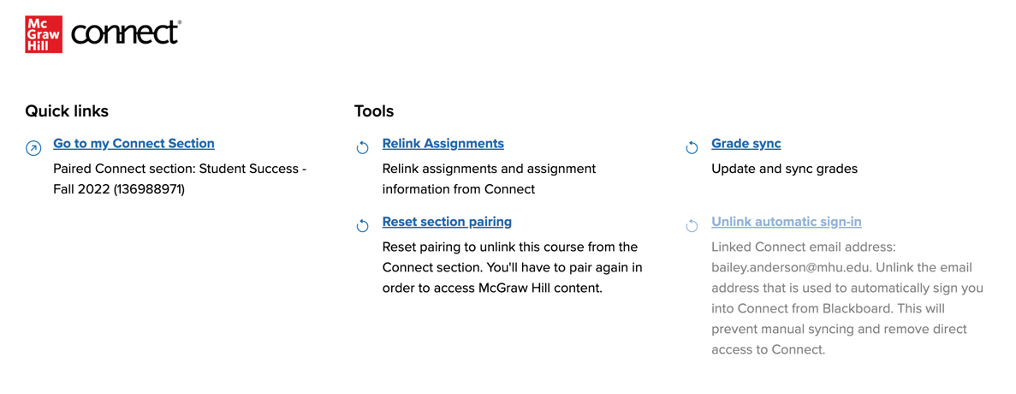
Can't find the LTI Advantage widget? You can navigate to the LTI Advantage widget in the same way you did to pair your Connect section and deploy assignments. The location of the LTI Advantage widget will vary depending on the LMS you are using. Refer to the LMS specific guides below to help you locate the widget.
