
PRoPL Technical Requirements
Review technical requirements for PRoPL, including devices, browsers, and network settings.
- Customer Support
- PreK-12
- Classroom Teacher
- Elementary School
- Middle School
- High School
- Direct Login & Auto-Rostering
- Direct Login & Manual-Rostering
- SSO & Auto-Rostering
- SSO & Manual-Rostering
- Core
- Supplemental
- Literacy
- Math
- CA Reveal Math (K-12)
- Reveal Math (K-12)
- McGraw Hill Literacy Emerge!
- McGraw Hill Literacy Summit!
- McGraw Hill Literacy Soar!
- ALEKS
- Online Assessments
- Troubleshooting


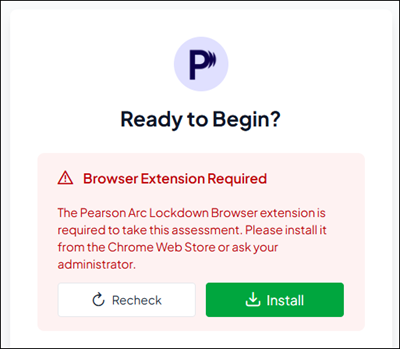
To access any of the Pearson Review of Progress & Learning (PRoPL) assessments, the browser lockdown extension must be installed on the student device. This step is to ensure that the required extension is functioning properly prior to testing day, reducing the likelihood of technical issues during the secure assessment.
The Lockdown Browser extension can be downloaded directly from the student experience.
Test administrators are encouraged to verify that all devices have the browser lockdown installed and operational the day before students begin any PRoPL assessments.
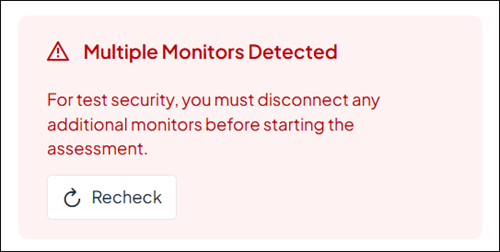
If a student is working on a computer with multiple displays/monitors connected, they will need to disable the option to only have one active at a time or they will receive a message to do so when they launch into the assessment.
For more information on McGraw Hill system requirements and whitelist information, refer to these articles:
