

Sync Your Connect Section with D2L Brightspace - Manual Content Sync
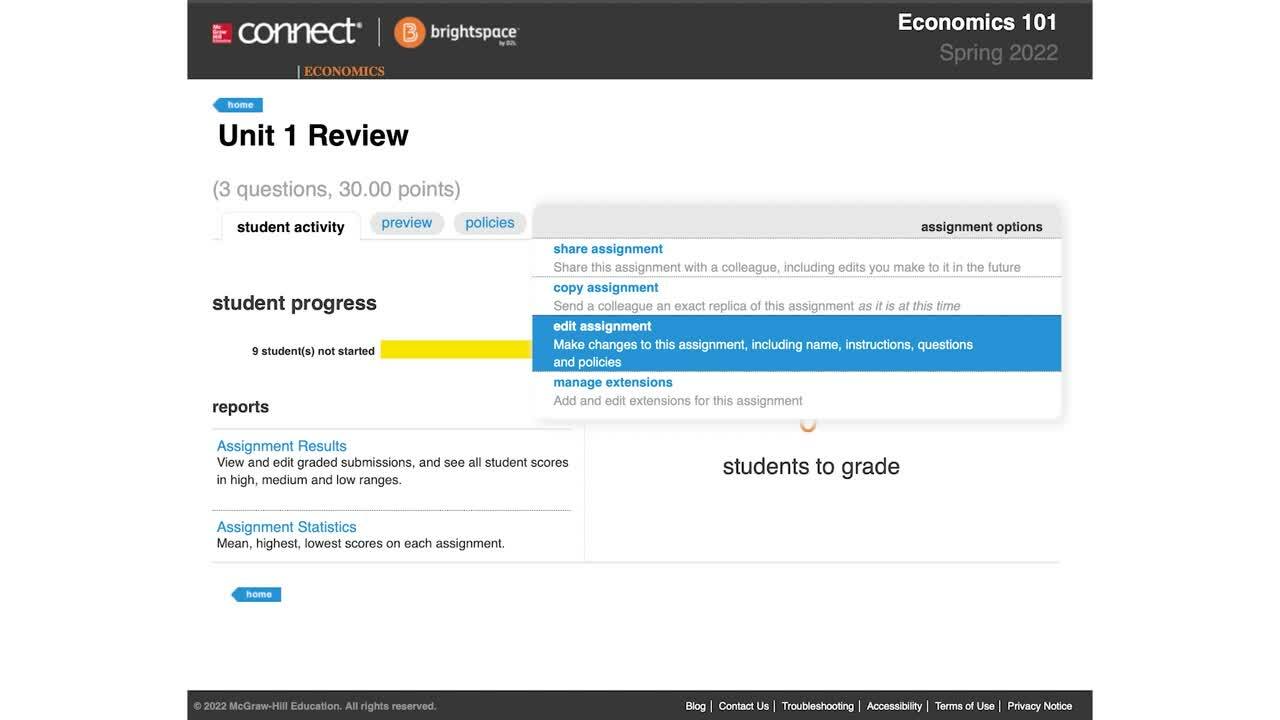
Let us walk you through how to manually sync your D2L Brightspace course to Connect if the assignment names, dates, point values, or student scores on D2L Brightspace do not match Connect.
Tags
- Connect
- Instructor
- Course Setup
- D2L Brightspace
- Customer Support
- Implementation
- LMS Sync
- Higher Education
Article Type: Implementation


Are you a student looking for help with Connect? Visit the Student Connect Support Page