
Copy Class(es) from ALEKS.com into Open Learning as a sub-class
Copy classes from ALEKS.com into Open Learning as a sub-class while preserving structure.
Tags
- Training
- Classroom Teacher
- PreK-12
- Customer Support
- Instructor
- ALEKS


In order to copy a class from stand-alone ALEKS (directly logging into aleks.com) into your Open Learning account, you will need to follow these instructions.
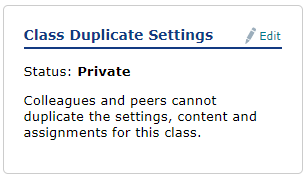
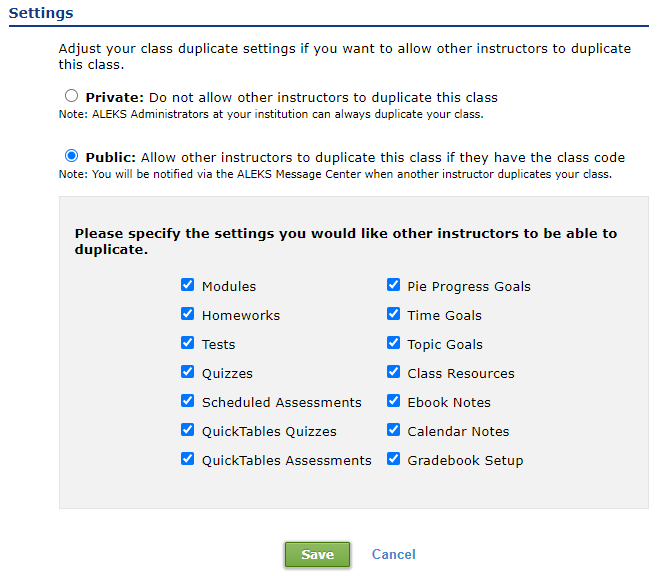
First, you will need to set your class(es) to public access:
Next, follow these steps to copy the class to your ALEKS on Open Learning account:
(Note: you can only copy as a sub-class)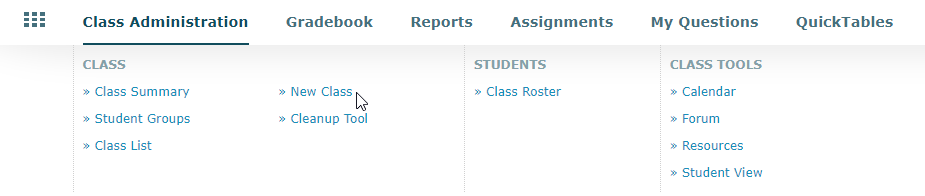
First, you will need to set your class(es) to public access:
- Log into your ALEKS.com account
- Navigate to the class you want to copy
- Hover over Class Administration and click on Class Summary
- Click on Edit next to Class Duplicate Settings
- Check the Public option
- Click on Save
Next, follow these steps to copy the class to your ALEKS on Open Learning account:
(Note: you can only copy as a sub-class)
- Log into your ALEKS on OL account
- Navigate to the ALEKS class where you want to make a copy of the class as a sub-class
- Hover over Class Administration and click on >>New Class
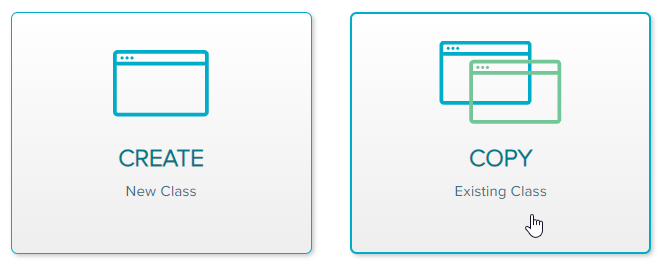
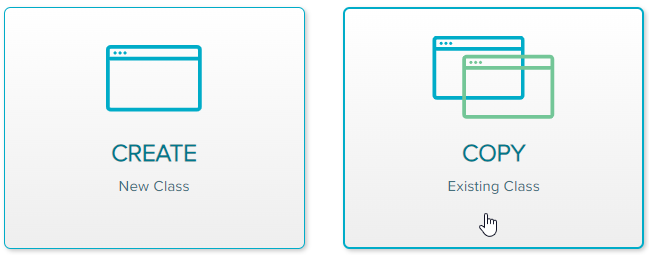
- Click on Copy Existing Class
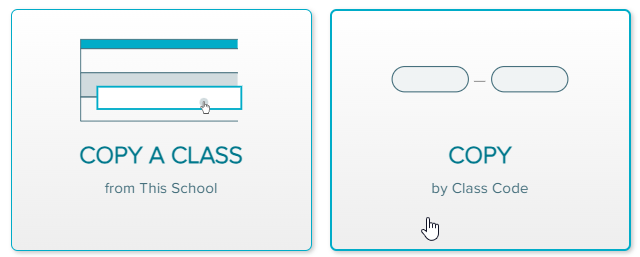
- Click on Copy by Class Code
- Enter Class Code and click on Continue
