How to Refresh a Lesson or Asset in Wonders/Maravillas
Learn how to refresh a lesson or asset in Wonders to ensure the latest content and updates are available.
- Classroom Teacher
- Wonders 2023 2020 2017
- Wonders Balanced Literacy 2016
- Literacy
- PreK-12
- Customer Support
- Wonders 2014
- Maravillas 2020 & 2017
- Core
- Plan & Present
- Direct Login & Auto-Rostering
- Direct Login & Manual-Rostering
- SSO & Auto-Rostering
- SSO & Manual-Rostering
- Elementary School
- Kindergarten
- 1st Grade
- 2nd Grade
- 3rd Grade
- 4th Grade
- 5th Grade
- 6th Grade
- Middle School


This article explains how to refresh a specific lesson or asset in Reading Wonders. This feature can be useful if an asset has recently been associated to a lesson. If you want to refresh ALL lessons/assets within a course, you'll need to create a new class. Read this article for instructions on setting up a new class in Wonders.
Note: Refreshing is not required in order to see an asset or lesson in the Resource Library. The library is updated automatically in real time.
1. Log in to your teacher account at my.mheducation.com.
2. Open your Wonders teacher edition.
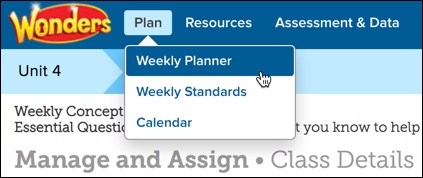
3. Hover over Plan in the main menu, and select Weekly Planner from the drop-down.
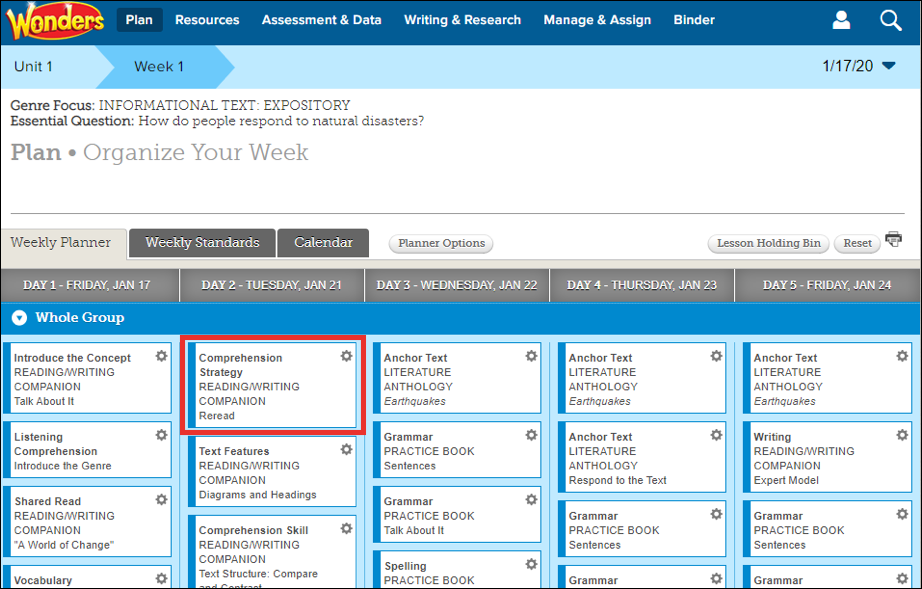
4. Select the specific lesson you wish to refresh.
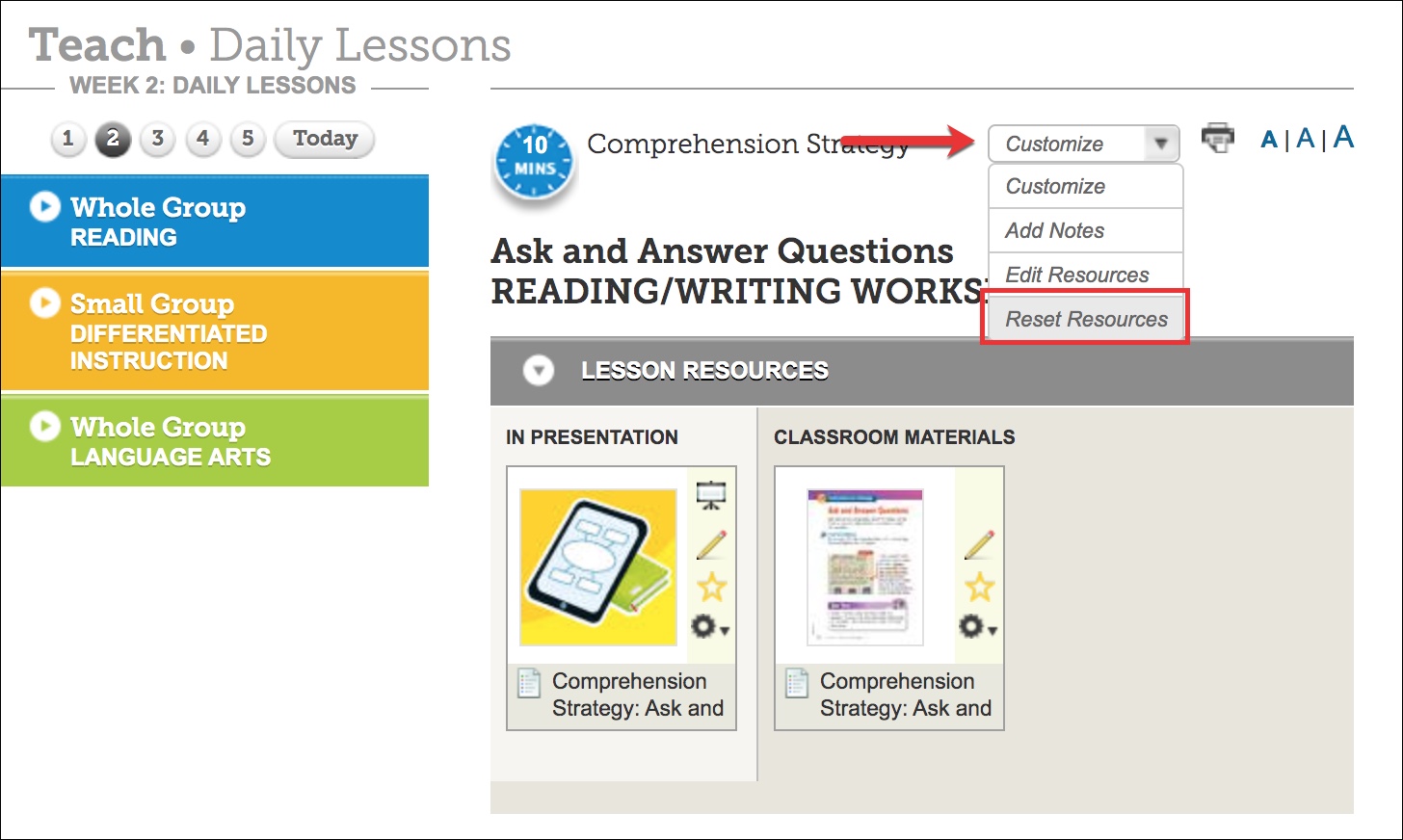
5. Expand the Customize menu, and select Reset Resources.