Reveal Math - Accessing Student Games for Grades K-5
Explore how students access Reveal Math games for grades K–5.
Tags
- Math
- Elementary Student
- SSO & Manual-Rostering
- Customer Support
- Direct Login & Auto-Rostering
- School Student
- Core
- Direct Login & Manual-Rostering
- School Parent
- SSO & Auto-Rostering
- PreK-12
- Preschool
- Elementary School
- Student Resources


Recently there was an update with the games and Reveal Math K-5 for students. Due to the update, the Games tile is no longer available through the Student Dashboard. The following steps will walk you through how to find the games as a student for all grade levels.
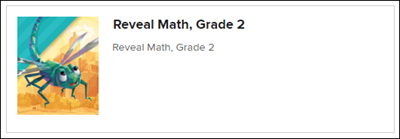
1. From your My Classes page, click on your class tile.
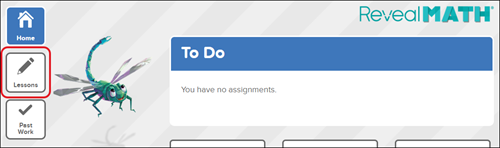
2. Click on Lessons on the left-hand side menu.
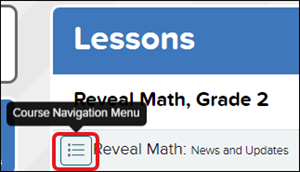
3. Click on the Course Navigation icon.
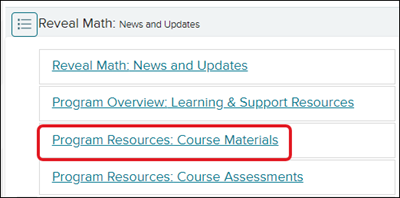
4. Select Program Resources: Course Materials at the top of the menu.
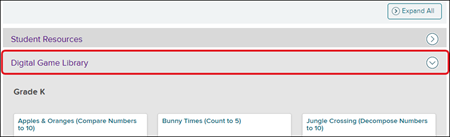
5. Expand the Digital Game Library blade to find and access all the available games for all grade levels.