Report a K-12 Connect® Content Issue
Steps on how to report errors for Connect content questions.
Tags
- Customer Support
- PreK
- Classroom Teacher
- High School
- Direct Login & Auto-Rostering
- Direct Login & Manual-Rostering
- SSO & Auto-Rostering
- SSO & Manual-Rostering
- AP, Honors & Electives
- AP Connect
- Grades & Assignments
- Plan & Present
- Tools & Resources


These steps can be followed during or after assignment creation, while editing an assignment, or previewing a question.
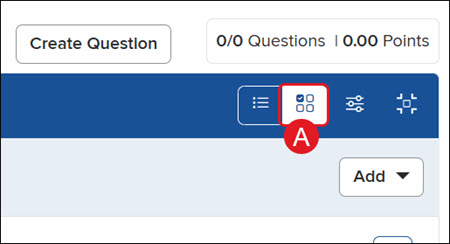
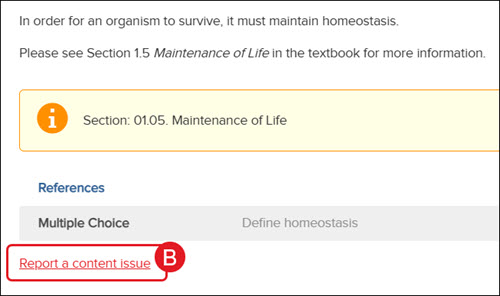
While creating an assignment or editing an assignment, click the Question Preview button (A), then click the Report a content issue link (B) at the bottom for the question that needs to be reported.
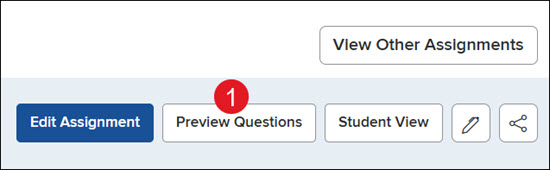
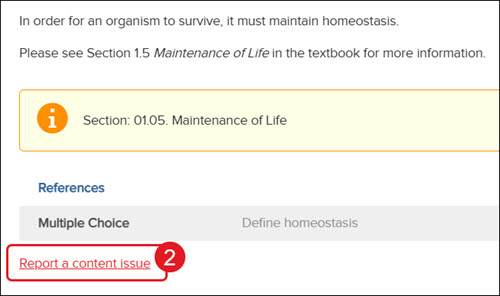
While previewing questions, click on the assignment name. Click the Preview Questions button (1), then click the Report a content issue link (2) at the bottom for the question that needs to be reported.