Pre-Algebra 2012 Student eBook Access
Learn how to access the Pre-Algebra 2012 mobile eBook on supported devices.
Tags
- Customer Support
- PreK-12
- School Student
- School Parent
- Middle School
- High School
- 7th Grade
- 8th Grade
- 9th Grade
- Direct Login & Auto-Rostering
- Direct Login & Manual-Rostering
- SSO & Auto-Rostering
- SSO & Manual-Rostering
- Core
- Math
- Pre-Algebra 2012
- Student Resources
- Dashboard & Navigation Overview


1. SSO or log into your account at my.mheducation.com.
2. On the My Classes page, click on the class tile.
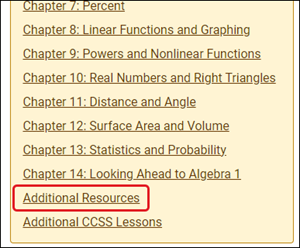
3. Click on the Additional Resources link in the left-hand column.
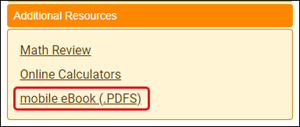
4. Click on the mobile eBook (.PDFS) link.
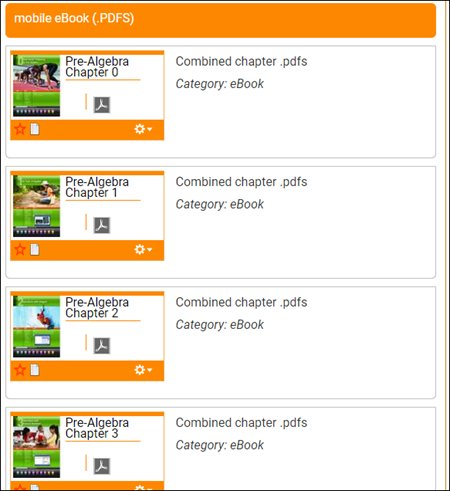
5. Click on the needed chapter .pdfs tile option. The PDF will download based on your browser settings.