
Personalized Learning Professional Learning Library (PLL)
Access the Personalized Learning Professional Learning Library for training and best practices.
- Customer Support
- PreK-12
- Classroom Teacher
- Preschool
- Elementary School
- Middle School
- High School
- Direct Login & Auto-Rostering
- Direct Login & Manual-Rostering
- SSO & Auto-Rostering
- SSO & Manual-Rostering
- Core
- Intervention
- Supplemental
- Math
- CA Reveal Math (K-12)
- Reveal Math (K-12)
- ALEKS
- ALEKS Adventure
- Redbird Math
- Number Worlds 2024
- Personalized Learning Reports
- Dashboard & Navigation Overview
- Tools & Resources


Article Contents
Access the Professional Learning Library
Professional Learning Library Navigation
Access the Professional Learning Library
- SSO or sign in at my.mheducation.com.
- Click on Reports or Personalized Learning from the navigation menu.
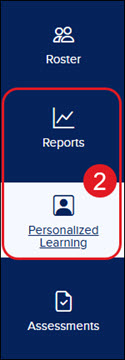
A. If Reports is selected, then click on the Standards and Skills: Proficiency page.
- Click the Teacher Resources: Plus Videos and Handouts link.
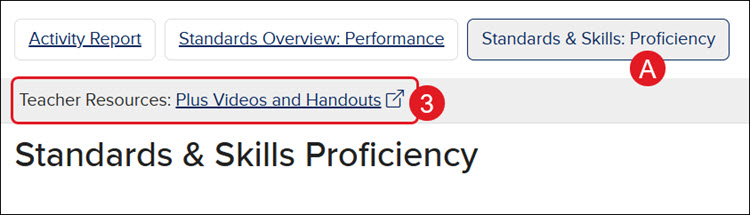
The Professional Learning Library will then open in a secondary browser tab.
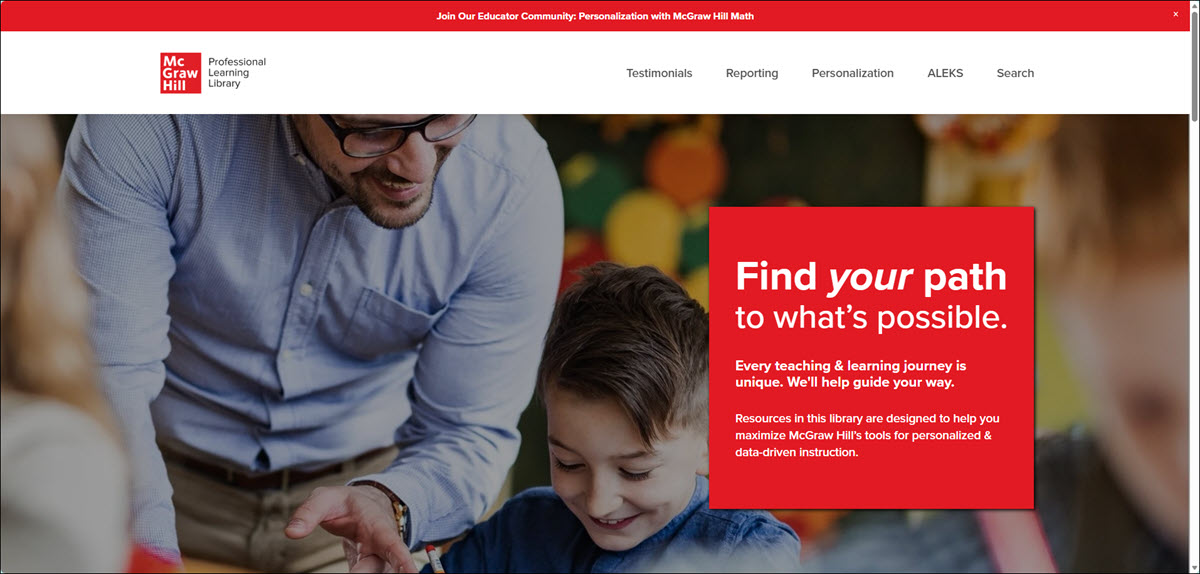
Professional Learning Library Navigation
The page is separated into multiple sections:
- Navigation Menu
- McGraw Hill Plus PreK-12
- McGraw Hill ALEKS®
- News & Insights
- Immersive Classroom Experience
Navigation Menu
The navigation menu can be found at the top right of the page and includes Testimonials, Reporting guides, Personalization guides, ALEKS access guides, and an option to Search for a specific resource.
- Testimonials is a collection of user spotlights, insights, and webinars focused around the implementation and integration of Reveal Math, ALEKS, and McGraw Hill Plus. Learn how others are using data to drive instruction based on student needs.
- Reporting is a professional learning collection that teaches the essential skills to get started with McGraw Hill’s reporting features — including quick-start videos that may be watched in any order along with supporting guides.
- Personalization is a professional learning collection that shares innovative classroom practices to leverage McGraw Hill’s personalization features — including quick-start videos that may be watched in any order along with supporting guides.
- ALEKS provides access to ALEKS program-specific resources and Professional Learning Collections:
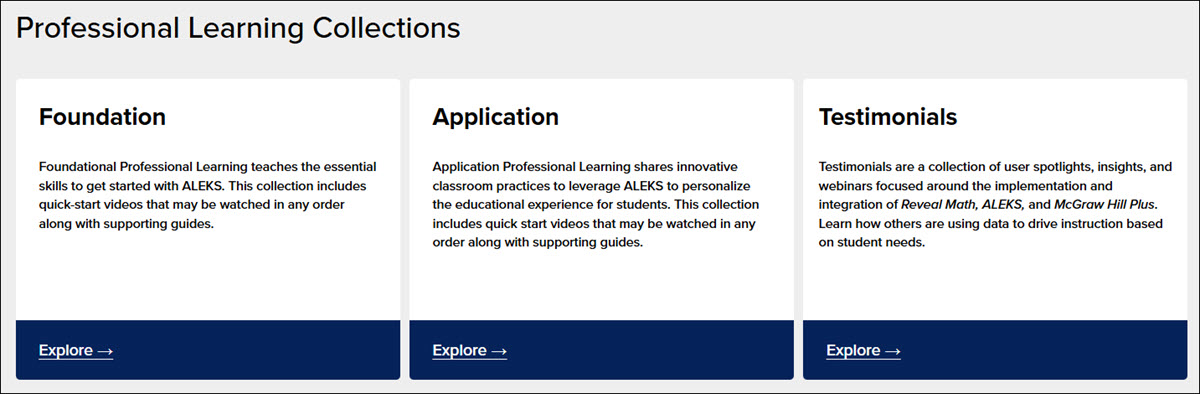
- Foundational Professional Learning teaches the essential skills to get started with ALEKS. This collection includes quick-start videos that may be watched in any order along with supporting guides.
- Application Professional Learning shares innovative classroom practices to leverage ALEKS to personalize the educational experience for students. This collection includes quick-start videos that may be watched in any order along with supporting guides.
- Testimonials are a collection of user spotlights, insights, and webinars focused on the implementation and integration of Reveal Math, ALEKS, and McGraw Hill Plus. Learn how others are using data to drive instruction based on student needs.
McGraw Hill Plus PreK-12
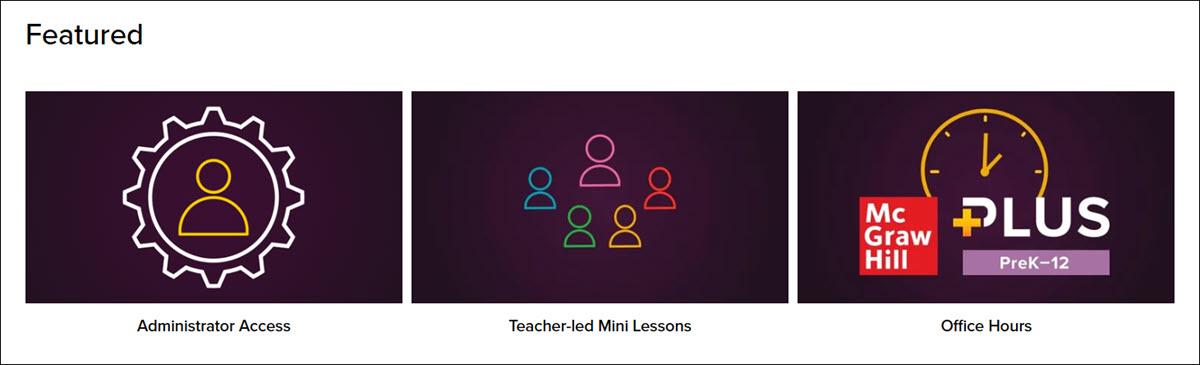
Click the PLUS Professional Learning button to join the educator community and view Featured information on Administrator Access, Teacher-led Mini Lessons, and Office Hours.
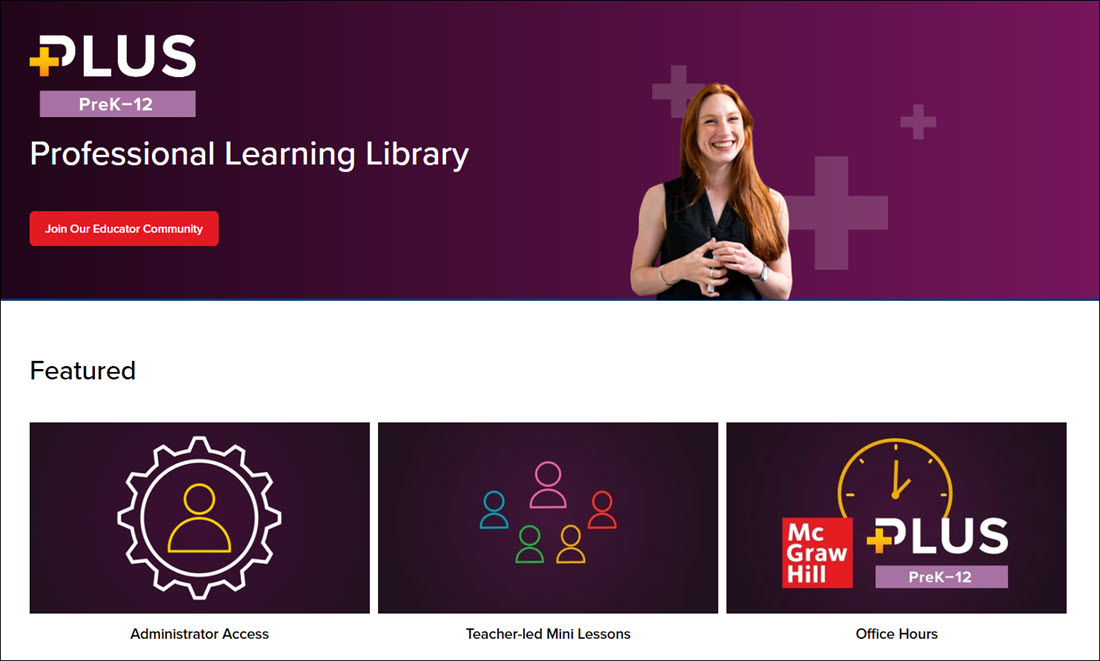
There is also access to individual Professional Learning Collections for Reporting, Personalization, and Testimonials.
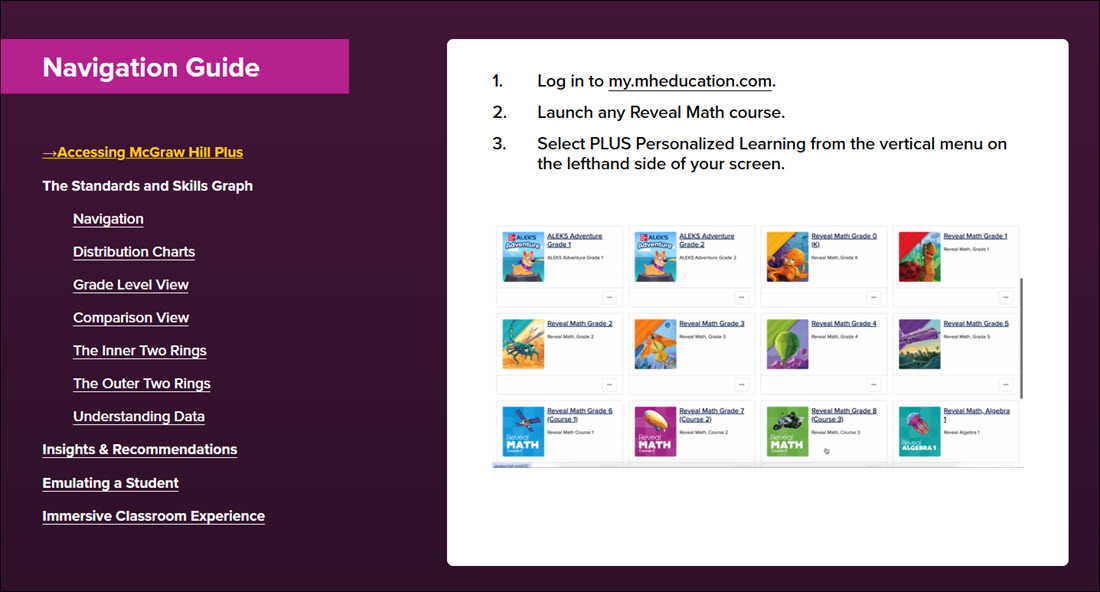
Access available Navigation Guides at the bottom of the page.
McGraw Hill ALEKS®
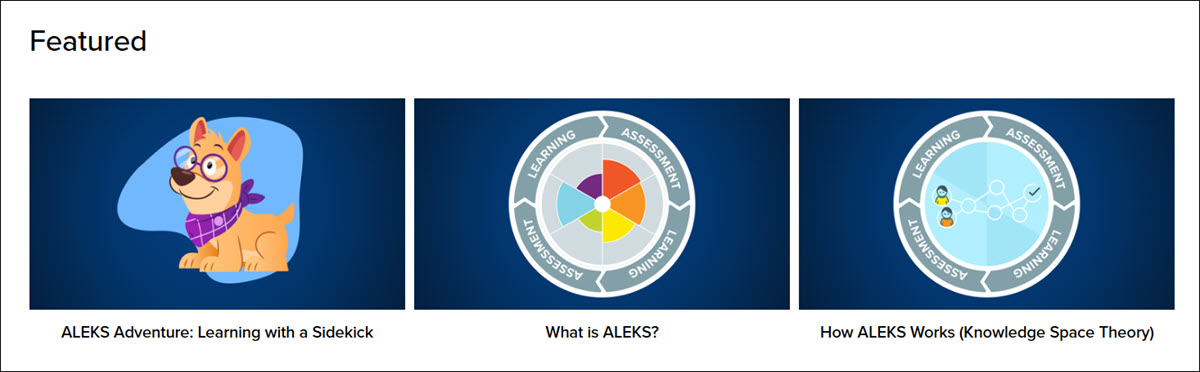
Click the ALEKS Professional Learning button to view Featured resources about ALEKS Adventure: Learning with a Sidekick, What is ALEKS?, and How ALEKS Works (Knowledge Space Theory).
There is also access to individual Professional Learning Collections to explore more about Foundation Professional Learning, Application Professional Learning, and Testimonials collections.
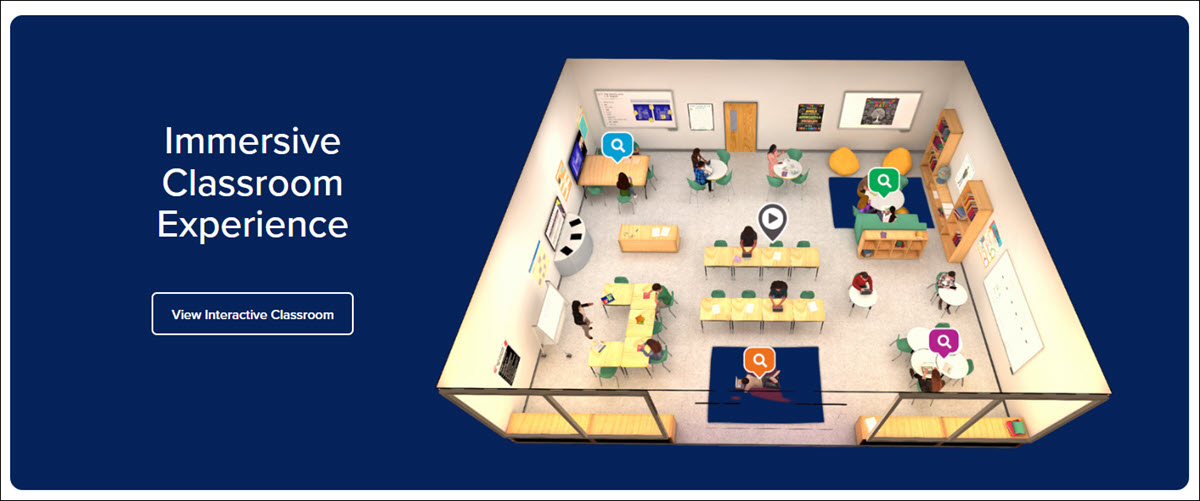
At the bottom of the page, use the Interactive Classroom Experience to learn more about how to use personalized learning for students in your class. As you move through the different areas of the classroom, you will learn how these products drive instruction and make personalization possible.
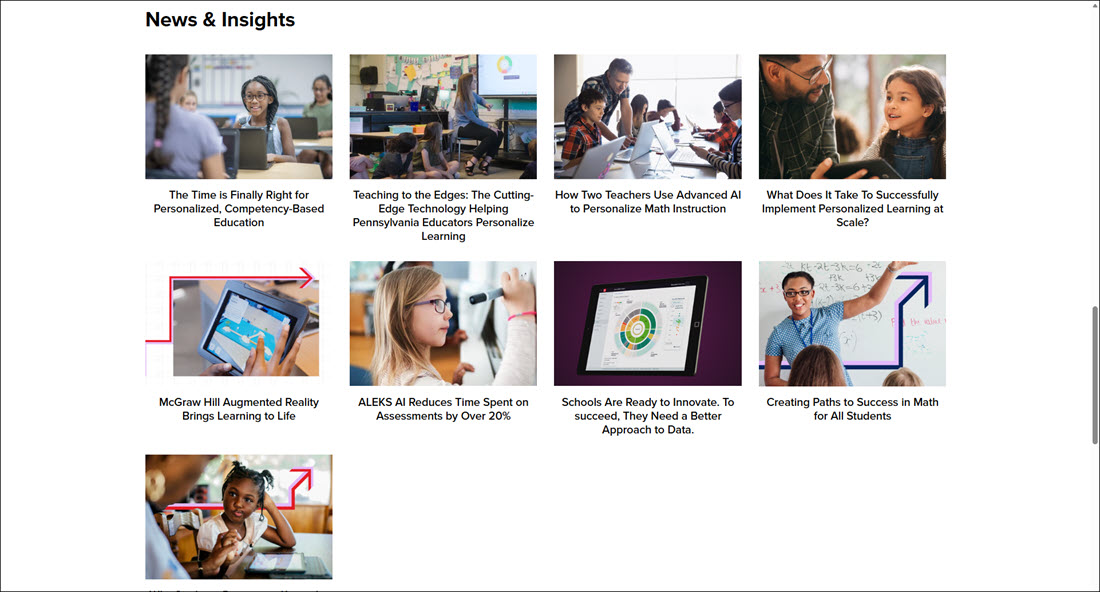
News & Insights
In the News & Insights section, you can access various videos to give you more information on various teaching strategies and using different resources for better instruction.
Immersive Classroom Experience
Use the interactive classroom experience at the bottom of the page to learn more about how to use personalized learning for students in your class. As you move through the different areas of the classroom, you will learn how these products drive instruction and make personalization possible. The feature can be accessed by clicking on the View Interactive Classroom button at the bottom of the Professional Learning Library Home page.
Additional Support
If you are needing assistance with navigating through the Professional Learning Library, have questions about the available resources, or do not have access to the Professional Learning Library link, please contact PreK-12 Technical Support team by phone, email, or chat.
