Delete a Classic ALEKS Master Template
Instructions on how administrators can delete outdated ALEKS Master Templates.
Tags
- Customer Support
- PreK-12
- School Administrator
- Elementary School
- Middle School
- High School
- Direct Login & Auto-Rostering
- Direct Login & Manual-Rostering
- SSO & Auto-Rostering
- SSO & Manual-Rostering
- Supplemental
- Math
- ALEKS
- ALEKS Adventure
- Class Management
- Tools & Resources


View the demo in a separate tab.
View the Spanish version of the demo.
1. SSO or log in at my.mheducation.com.
You may need to toggle between roles and organizations to get to your administrator tools.
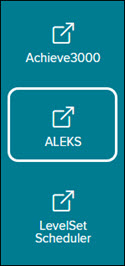
2. In the navigation menu, click the menu option for ALEKS.
You will only see this menu option if you are an Administrator and your organization has licenses for ALEKS on Open Learning.
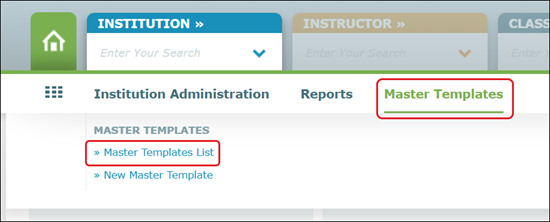
3. Hover over Master Templates in the navigation menu and select Master Template List.
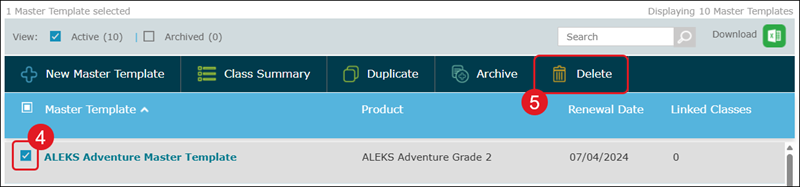
4. Checkmark the template you want to remove. You can only delete one template at a time.
5. Click the Delete button.
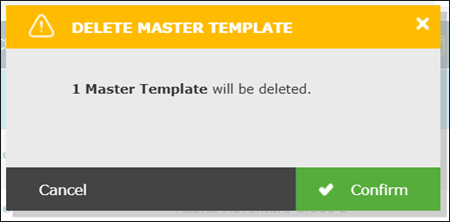
6. On the Delete Master Template pop-up, click the Confirm button.