Actively Learn - Chrome Extension
View and assess student research projects submitted through Actively Learn.
Tags
- Direct Login & Manual-Rostering
- High School
- Getting Started & Orientation
- Classroom Teacher
- SSO & Auto-Rostering
- SSO & Manual-Rostering
- PreK-12
- Customer Support
- Direct Login & Auto-Rostering
- Preschool
- Middle School
- Elementary School


Do you want to import articles from around the web as you discover them? By adding our Chrome Extension, you can. Once you have installed the extension, you will be able to import a text directly into your Workspace. To import text from password-protected sites, use our Chrome extension to import the article.
- Open the article you want to upload

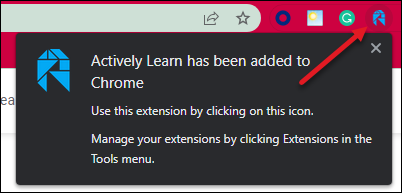
- Click the new Actively Learn icon in the top right next to the address bar (i.e. Chrome toolbar).
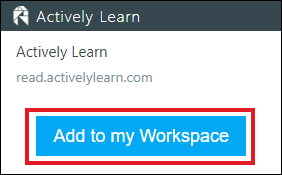
- From the pop-up click Add to My Workspace.
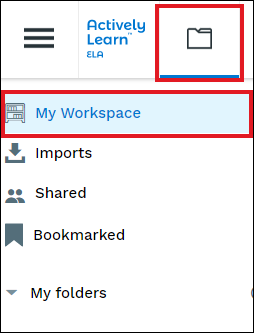
- The article is now in My Workspace.