View Actively Learn Student Notifications
Instructions on how to review Actively Learn notifications as a student.
Tags
- Customer Support
- PreK-12
- School Student
- School Parent
- Elementary School
- Middle School
- High School
- Direct Login & Auto-Rostering
- Direct Login & Manual-Rostering
- SSO & Auto-Rostering
- SSO & Manual-Rostering
- Supplemental
- Literacy
- Science
- Social Studies
- Actively Learn
- Dashboard & Navigation Overview
- Student Resources


Notifications alert students about questions that have been approved for revision and note responses from classmates and their teacher.
Notifications are available on the toolbar after clicking into the assignment. They can be accessed by clicking on the Notifications (bell) icon.
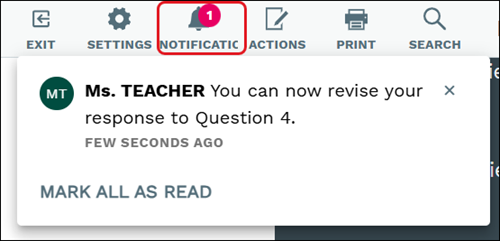
White notifications mean that the message has not been clicked on while gray means they have been.
When the notification is clicking on, it will navigation you directly to the question or note within the assignment.
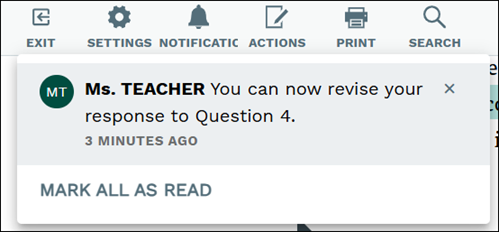
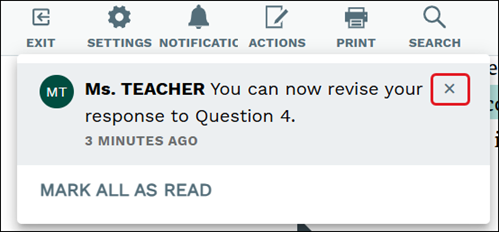
Click the X on the notification to remove the notification from the list.