
What is the correct eBook purchase option?
Determine the correct eBook purchase option for your course materials.
Tags
- Higher Ed Student
- Higher Education
- Customer Support
- Connect
- Instructor


Are you required to use Connect to access your eBook for an instructor-led course?
Your instructor will provide you with a Connect section URL or instructions to register through your school's Learning Management Systems (LMS). You can purchase access using either of these registration paths. You can also purchase from our Digital or Bundles options on mheducation.com as shown below.
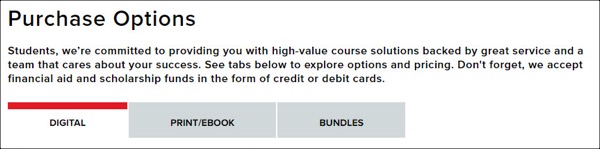
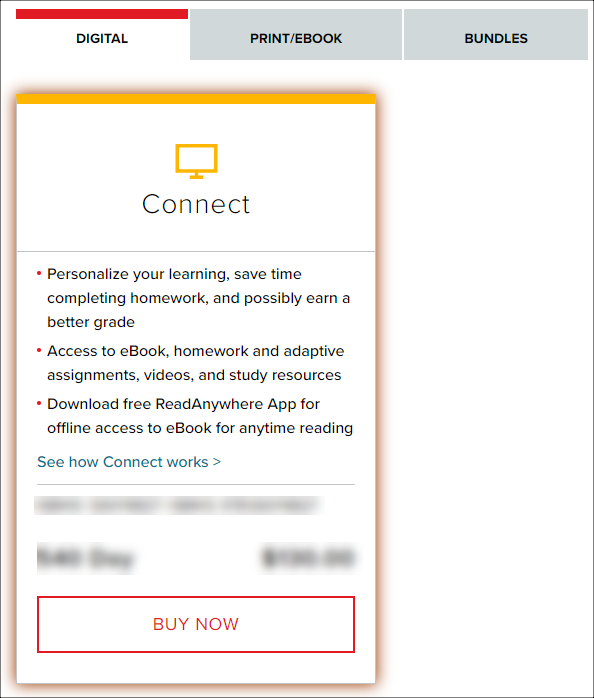
DIGITAL (Includes Connect and eBook Access)
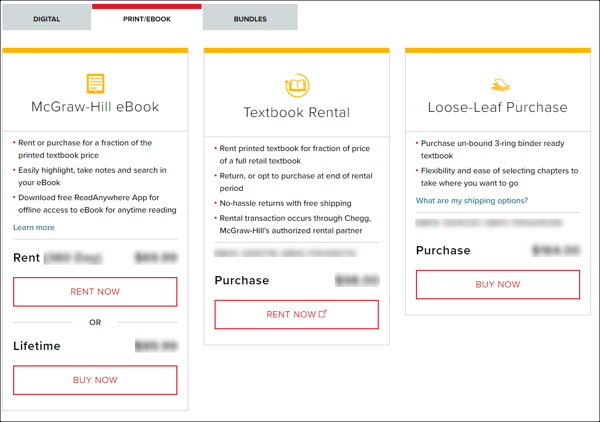
PRINT/EBOOK (Does not include Connect Access)
McGraw-Hill eBook
- Rent – purchase access to the specific eBook for the period of time shown
- Lifetime – purchase option allows access to the eBook with no expiration
Textbook Rental
- Purchase - purchase option allows rental of a hard copy text book. Rental length varies and will be displayed upon clicking the RENT NOW button. (E-Campus transaction)
Loose-Leaf purchase
- Purchase - purchase a loose-leaf version of the text book with holes punched for a 3-ring binder (not a rental)
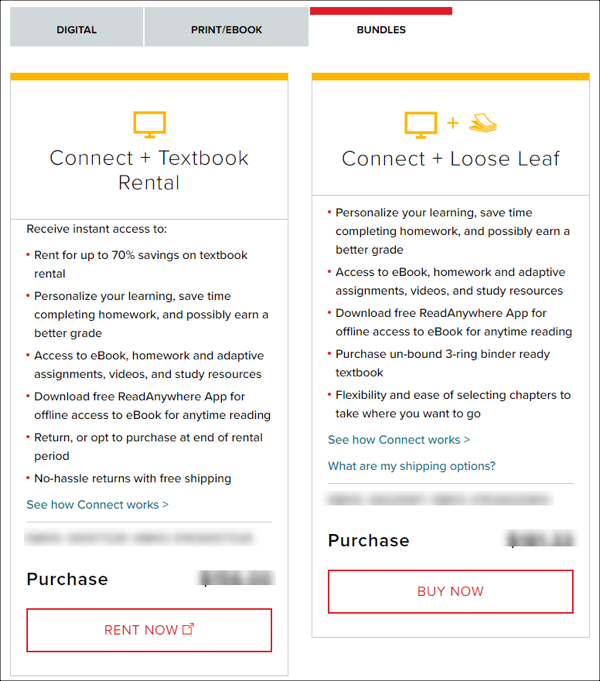
BUNDLES (Includes Connect, eBook Access and either a Textbook rental or Loose Leaf option)
Connect + Textbook Rental
- Purchase - this option provides access to the Connect application, an eBook, and a rented hard copy text book. (E-Campus transaction)
Connect + Loose Leaf
- Purchase - this option provides access to the Connect application, an eBook, and a loose-leaf version of the text book. This is a soft copy with holes punched for a 3-ring binder.
If you purchased the incorrect option, see Refund requests for product purchases
