Moodle Course View
Import Test Builder exports into Moodle to reuse assessments within an LMS course.
Tags
- Higher Education
- Customer Support
- Connect
- Course Management
- Instructor


Importing Test Builder Export File to Moodle
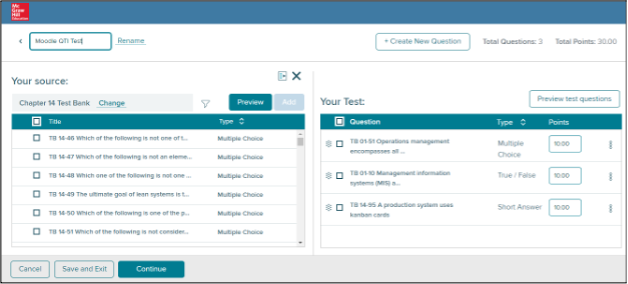
- Create a new test in Test Builder and populate it with questions. Click Continue when finished.
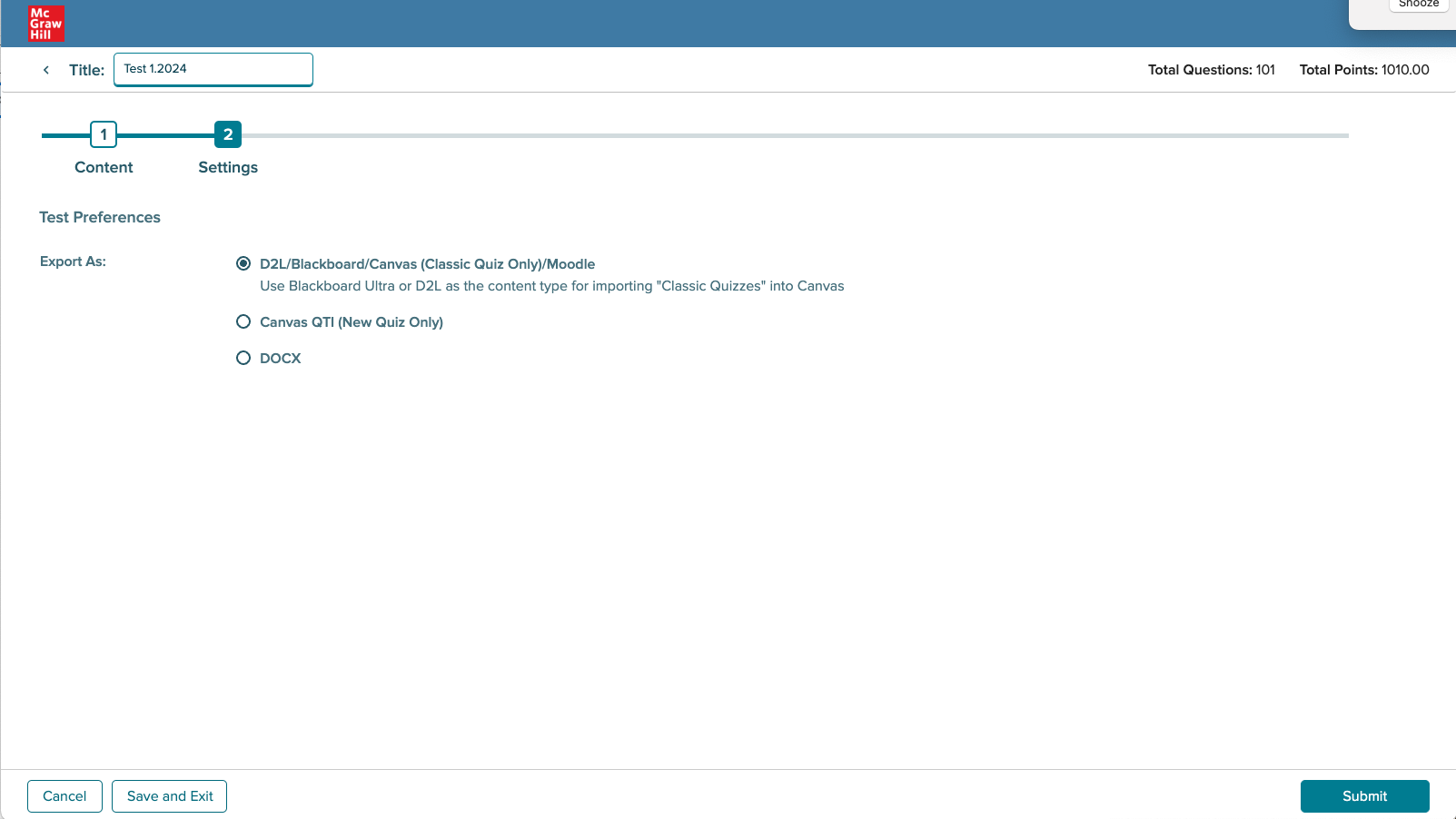
- On the next page, select D2L/Blackboard/Canvas/Moodle then click Submit.
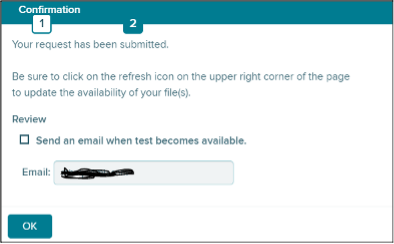
- A prompt will ask if you want to get an email of when the export is done. Click OK when finished.
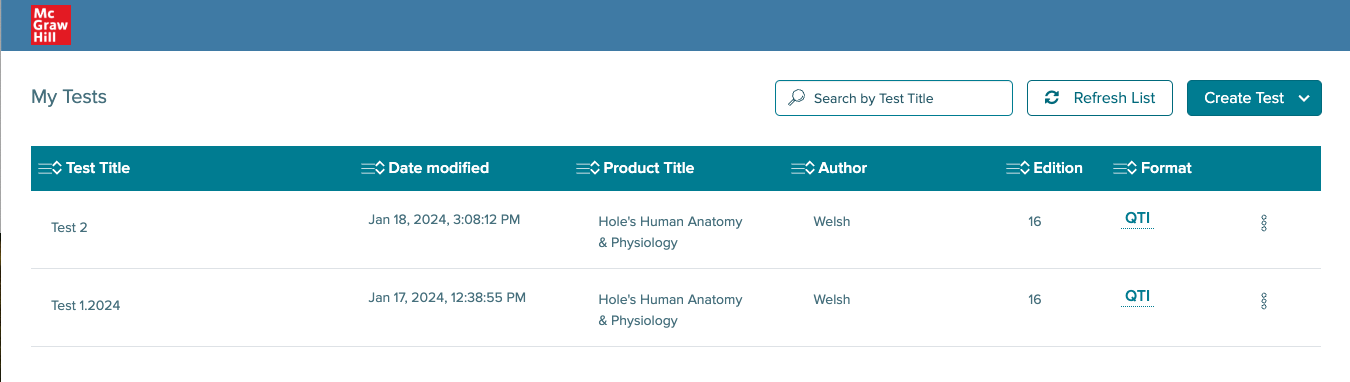
- The new test will appear at the top of the tests I created page. Click QTI to download the export.
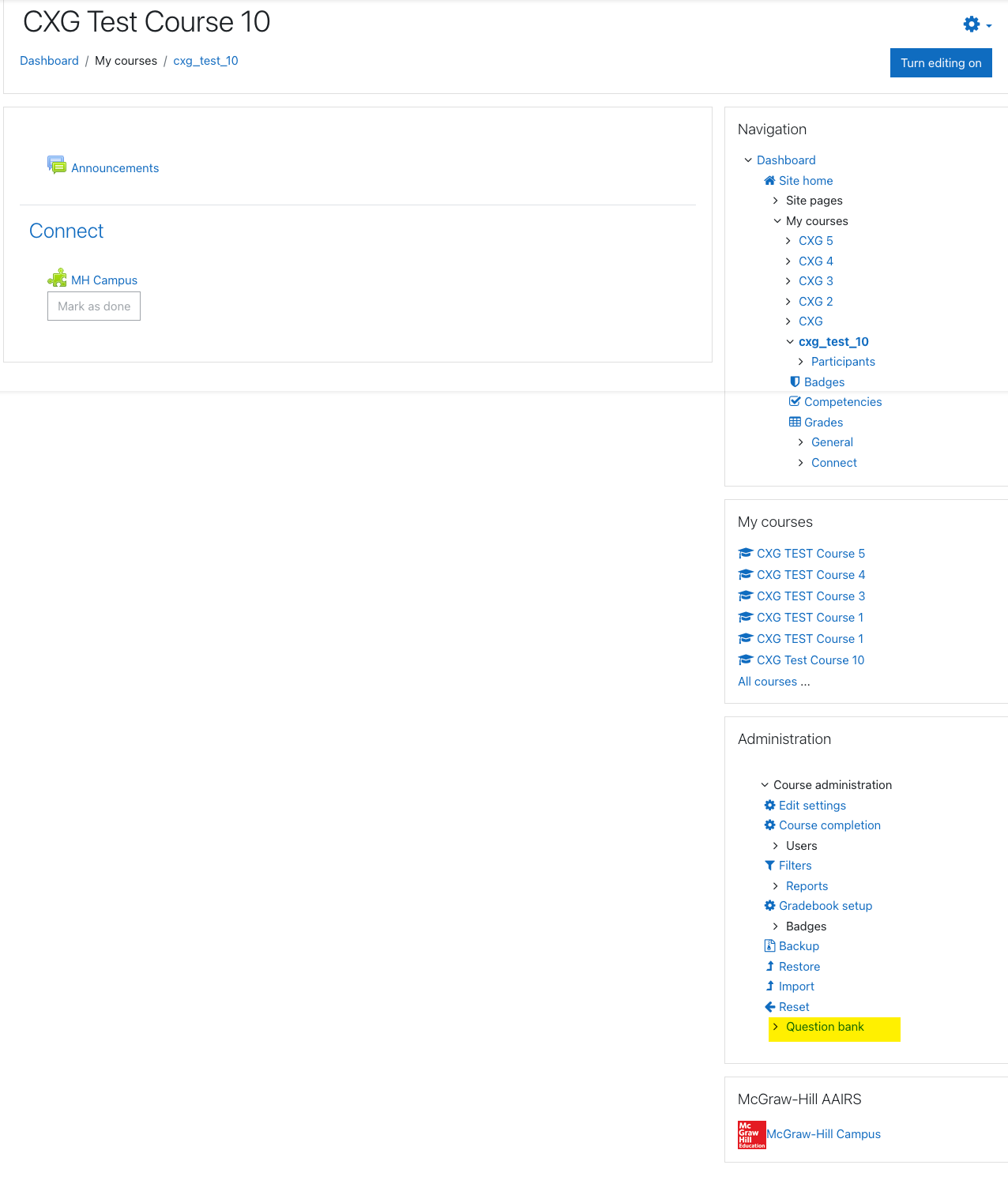
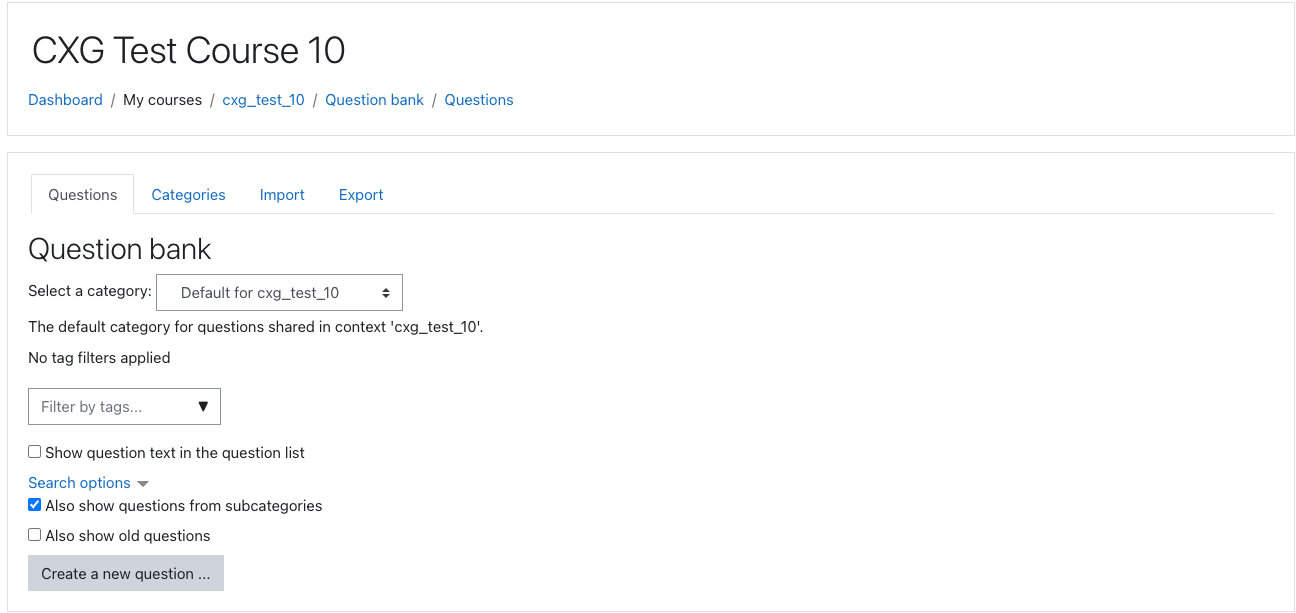
- Next, login to Moodle and open any course in your account. Click Import under Question bank.
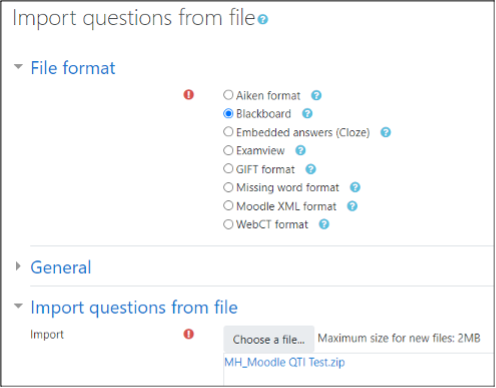
- For File format, select Blackboard. For import questions from file, upload the export. Click Import next.
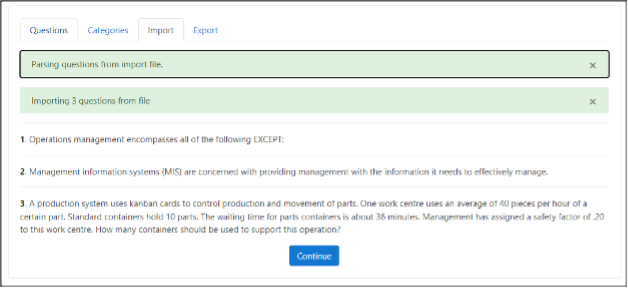
- Next, you will see a page noting the uploaded question content. Click Continue when finished.