How do I register a new Create account?
Step-by-step instructions for registering a new Create account and getting started with your first project.
Tags
- Higher Education
- Customer Support
- Create
- Instructor


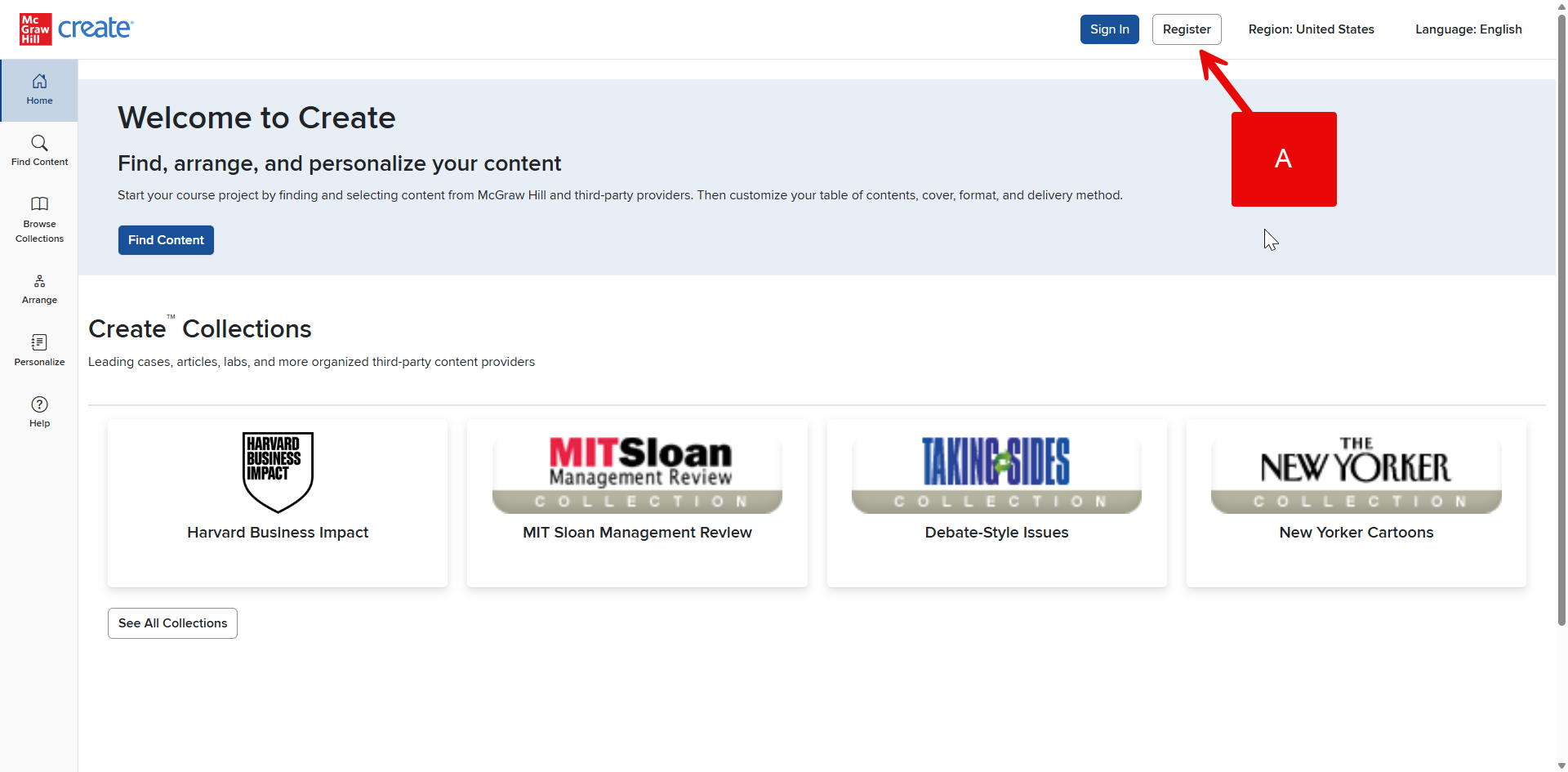
Step 1: Click Register in your Account Menu (A).
Step 2: You will be prompted to provide the grade level that’s right for you. Select the best response from the drop-down menu.
Step 3: Complete the form that asks for your personal details.
Step 4: Read and agree to the McGraw Hill Terms of Service, Terms of Use, Consumer Purchase Terms, and if applicable, Privacy notice, by clicking the check box at the bottom of the form.
Step 5: Click Create Account.