How do I navigate within Create?
Learn how to navigate within Create, including menus, tools, and project navigation tips.
Tags
- Getting Started & Orientation
- Higher Education
- Customer Support
- Create
- Instructor


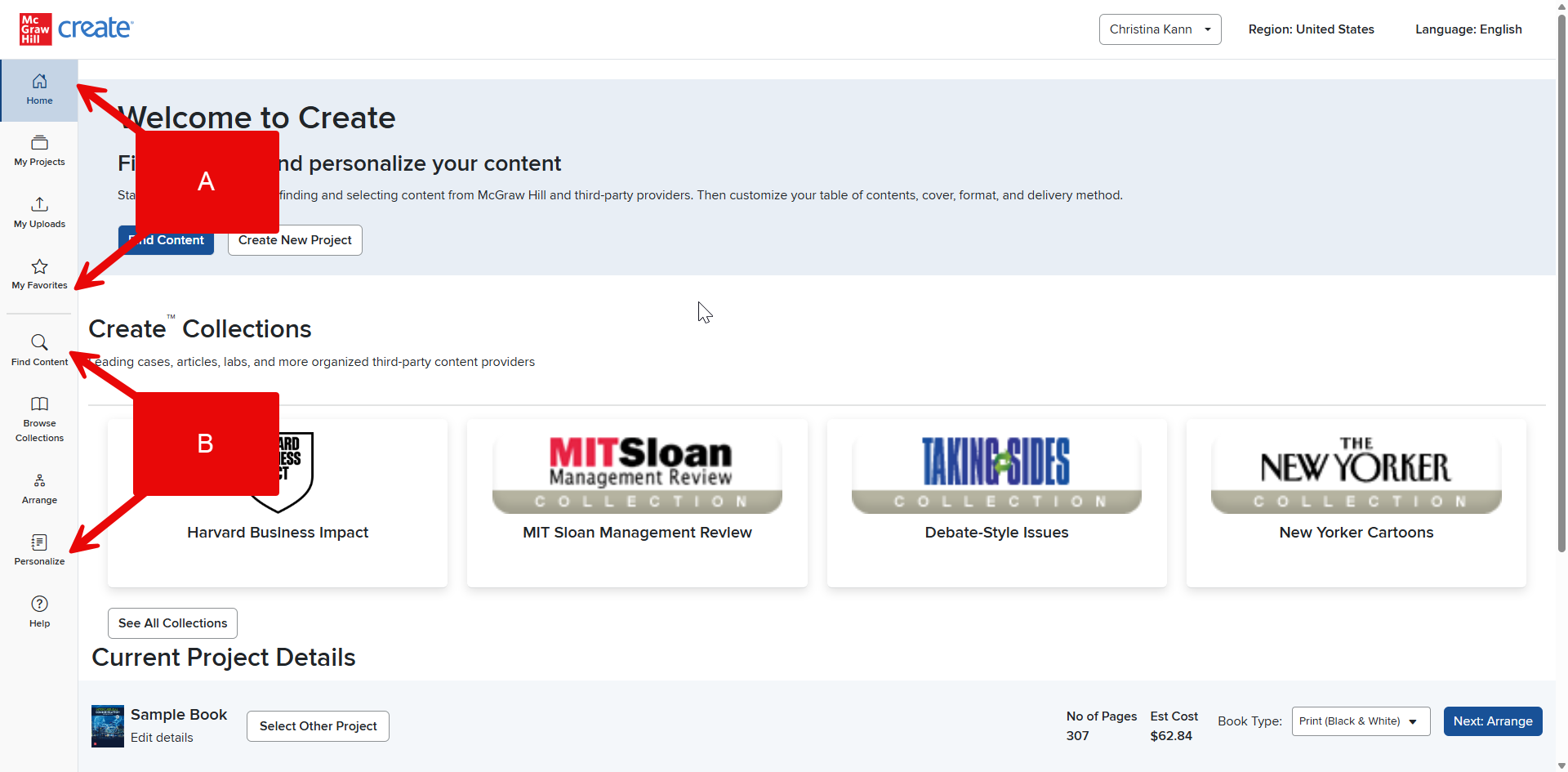
The two menus at the top of the page provide access to all the main Create features you’ll need to use.
Your Account Menu (A) in the top right will provide access to your Create account, including your user account, your Projects (both in progress and completed), your uploads, your favorites, your region and language, and finally, this help menu.
The Create Menu (B) includes the main steps of the book building process, including 1. Find Content, 2. Arrange, and 3. Personalize. Learn more about these tabs in The Create Process Overview.