How do I access Create?
Find out how to access Create, including login steps and where to start building or managing your projects.
Tags
- Getting Started & Orientation
- Higher Education
- Customer Support
- Create
- Instructor


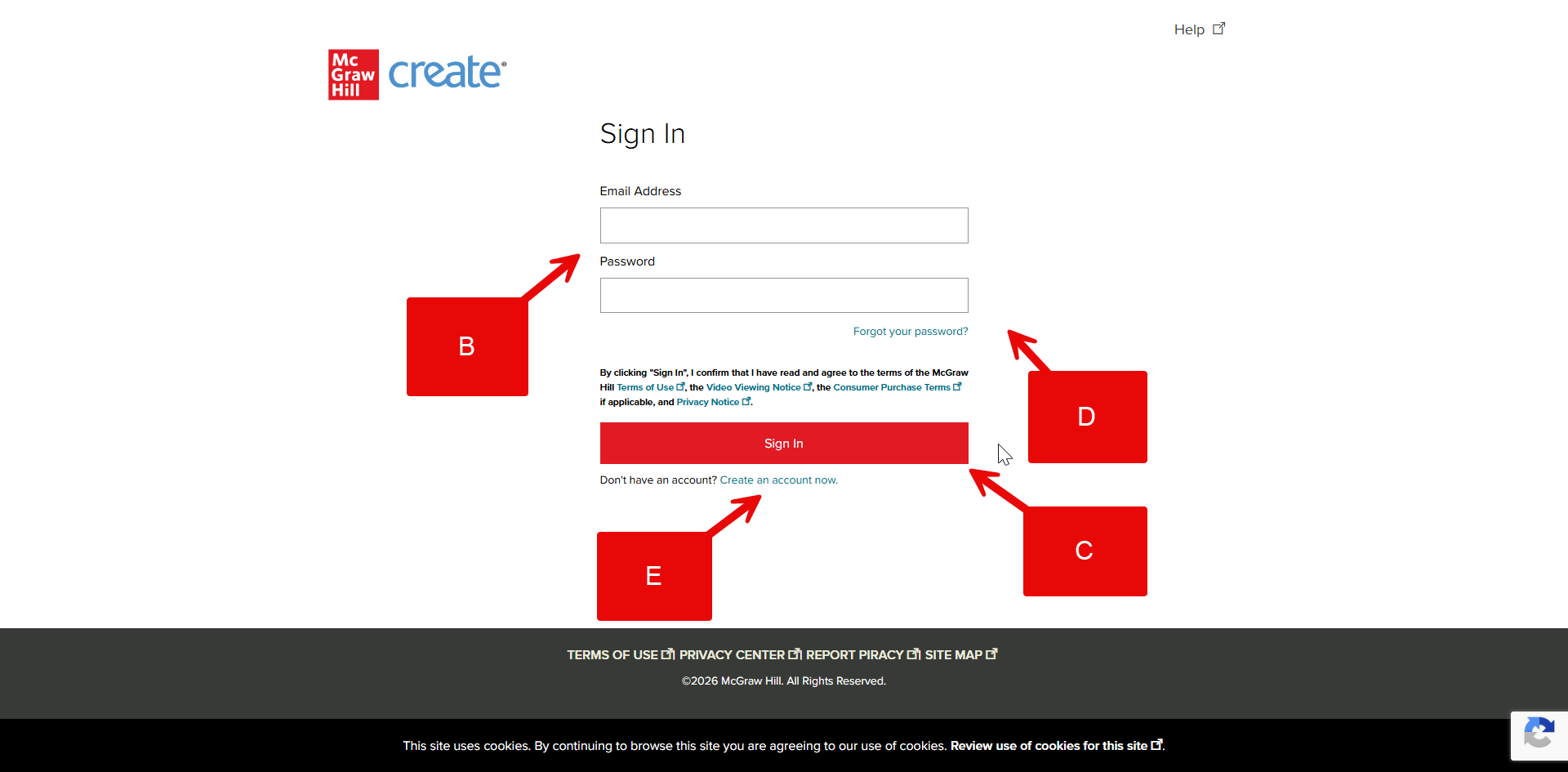
Step 1: Go to create.mheducation.com.
Step 2: Click Sign In (A) at the top of the page.
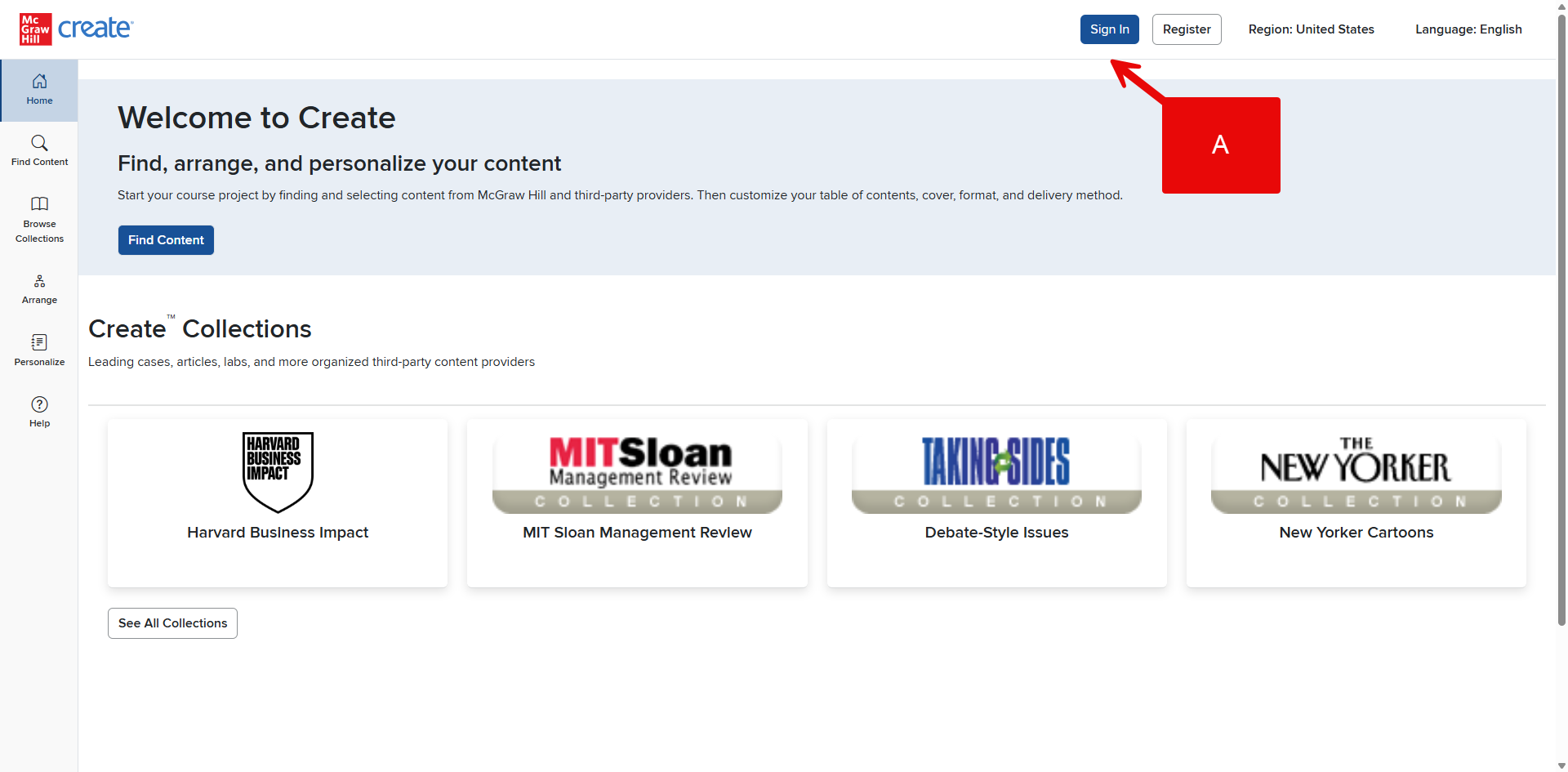
Step 3: Enter your email address and password (B) and click Sign In (C).
Note: If you don’t remember your password, you can click Forgot Your Password (D) for more help.
If you do not have an account, you can click Create an account now (E) to start the registration process.