
Connect - How to pair an account in Canvas as a student
Learn how students pair an existing Connect account with Canvas using LTI Advantage.
Tags
- Higher Ed Student
- Higher Education
- Customer Support
- Connect


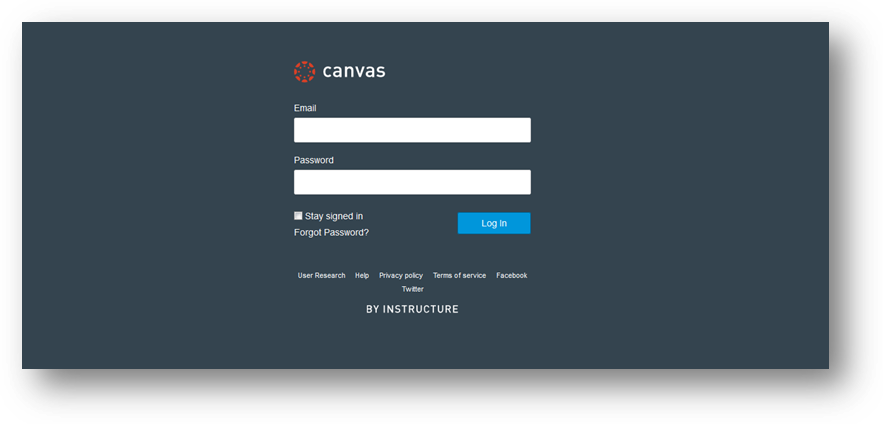
Step 1: Log into Canvas (as a student).
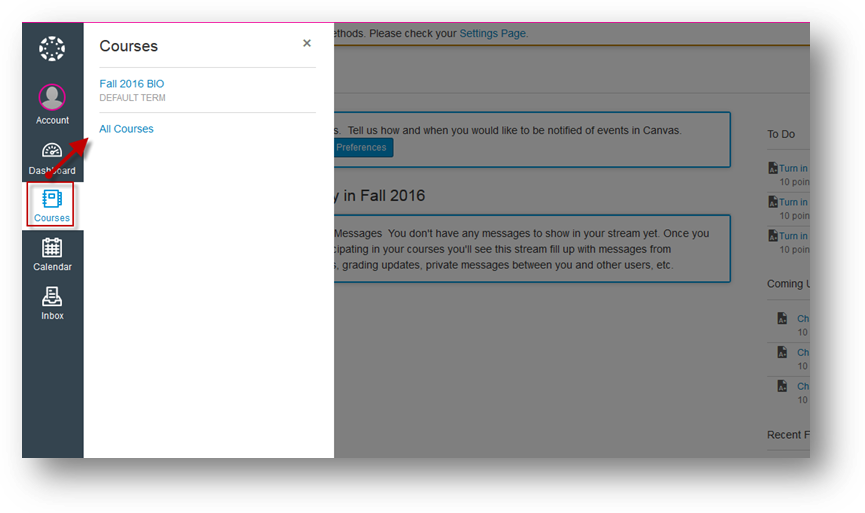
Step 2: Under Courses, locate and enter Canvas course.
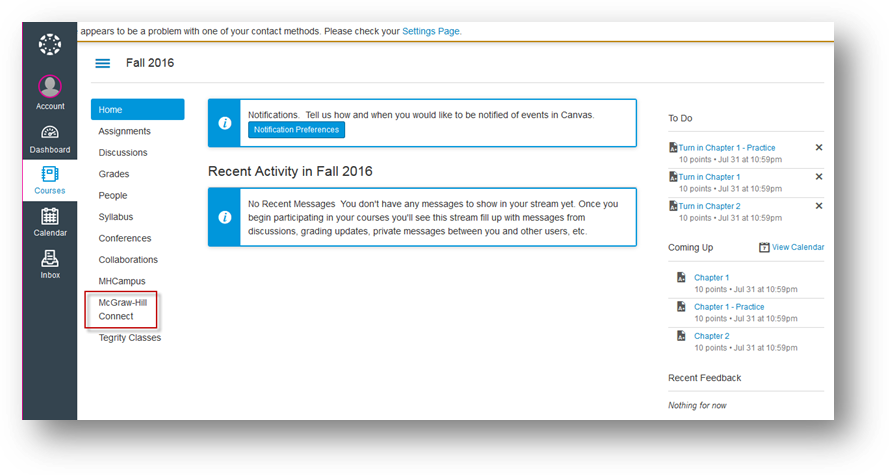
Step 3: On Canvas course home page, locate and click on the McGraw Hill Connect link (via course navigation menu). *The student can also click on a Connect assignment link to begin the process.
Step 2: Under Courses, locate and enter Canvas course.
Step 3: On Canvas course home page, locate and click on the McGraw Hill Connect link (via course navigation menu). *The student can also click on a Connect assignment link to begin the process.
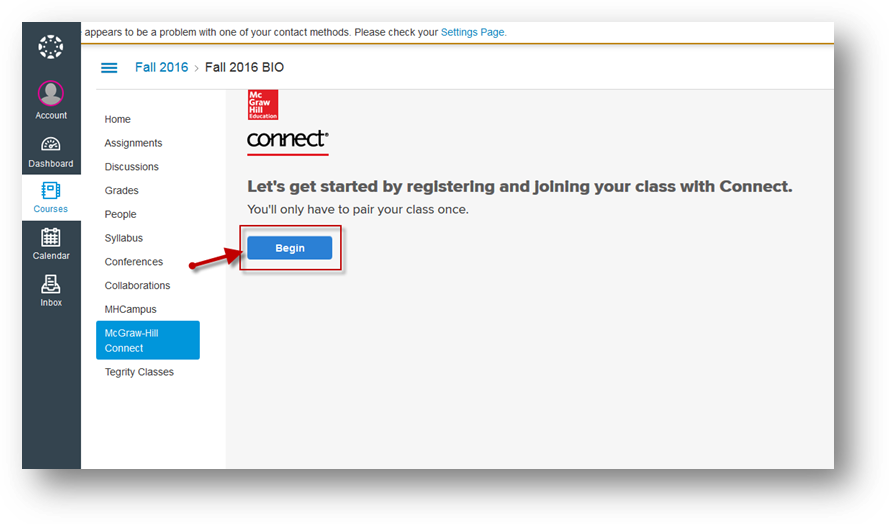
Step 4: Click on Begin.
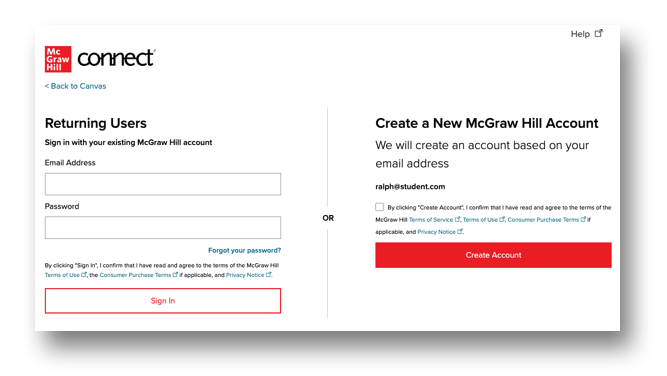
Step 5: If you're a new Connect user, click on Create Account. If you're a returning Connect user, enter your Email Address and Password and click Sign In. If your school email is the same as an existing account, you will be prompted to log in to that account.
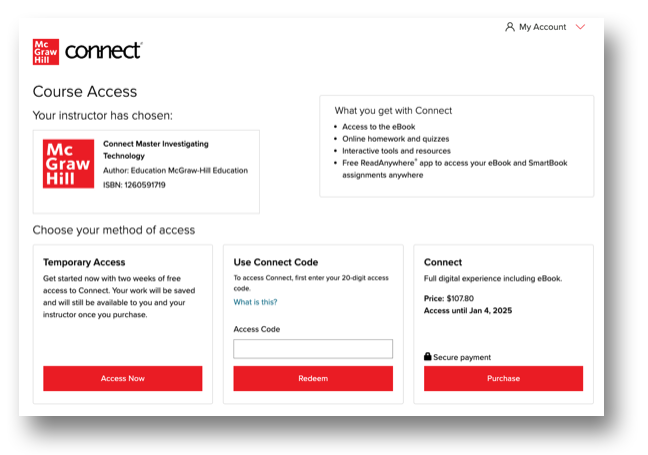
Step 6: Select the appropriate registration option to complete the Connect registration process.
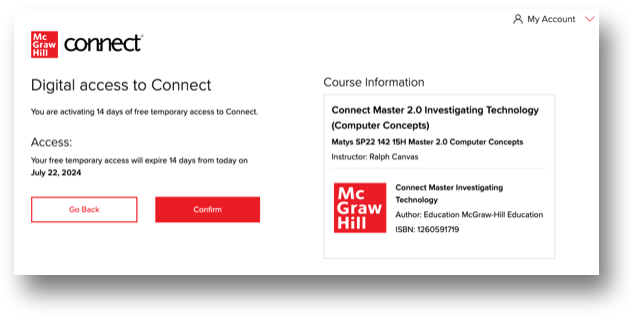
Step 8: Click Confirm.
Step 9: Click Complete Registration.
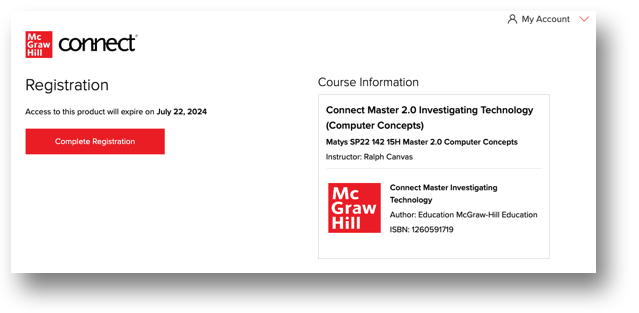
*You have completed the pairing (single sign-on) process between Canvas and Connect. Please return to Canvas in order to begin accessing/taking your Connect assignments.
