
Assignment deployment status is not available - LTI Advantage
Troubleshoot cases where assignment deployment status is unavailable when using LTI Advantage.
Tags
- Higher Education
- Customer Support
- Connect
- Instructor


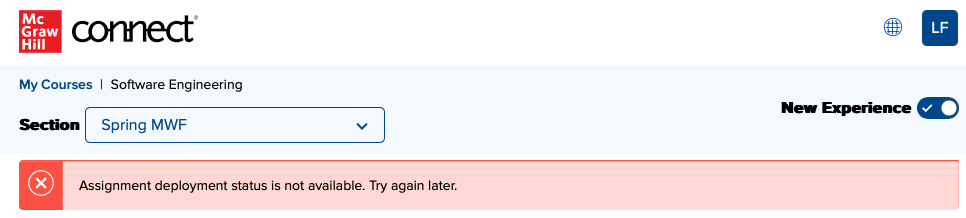
If you see the message "
Assignment deployment status is not available. Try again later." in Connect New Experience view, it means you haven't launched this Connect section home page from your LMS yet. We do not have enough information to successfully deploy assignments yet.
To resolve this problem, simply log back into your LMS account, navigate to your course and launch Connect. If that does not resolve the issue, please try unpairing your Connect section and pairing it again.
If you have trouble finding the LTI Advantage widget in your LMS, refer to the instructor guides for your LMS (refer to the Getting Started section).
To resolve this problem, simply log back into your LMS account, navigate to your course and launch Connect. If that does not resolve the issue, please try unpairing your Connect section and pairing it again.
If you have trouble finding the LTI Advantage widget in your LMS, refer to the instructor guides for your LMS (refer to the Getting Started section).
