
Unlink Course Pairing in LTI Advantage
Learn how to unlink an LMS course pairing when using LTI Advantage integration.
Tags
- Higher Education
- Customer Support
- Connect
- Instructor


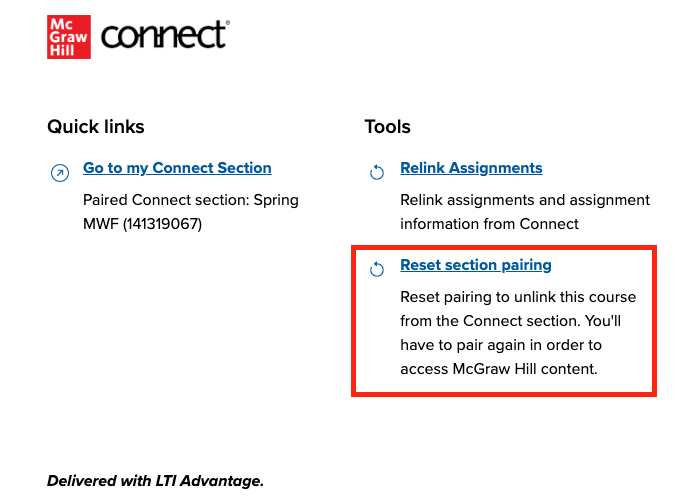
If you paired the wrong Connect section with your LMS, you can always unlink the section using the LTI Advantage widget. Locate the LTI Advantage tool link in your LMS and launch it. In the LTI Advantage widget, click on
Reset section pairing followed by
Unpair to confirm.
If you unpaired your Connect section but Connect is still showing that the section is paired, please contact our Customer Experience Group.
If you unpaired your Connect section but Connect is still showing that the section is paired, please contact our Customer Experience Group.
