
Locate StudySync SyncStart Units
Get started with StudySync using SyncStart for onboarding and setup.
- StudySync 2021
- Literacy
- SSO & Manual-Rostering
- Customer Support
- Direct Login & Auto-Rostering
- StudySync 2015 & 2017
- Middle School
- Core
- Plan & Present
- Direct Login & Manual-Rostering
- High School
- Classroom Teacher
- SSO & Auto-Rostering
- PreK-12
- Getting Started & Orientation
- Dashboard & Navigation Overview
- Tools & Resources


This article explains what SyncStart is and how to locate the resources for it.
For a full page view of the demo, click here.
For a Spanish version of the demo, click here.
Article Contents
As you introduce your students to the StudySync curriculum at the start of the year, you can make the most of your instructional time by taking advantage of the SyncStart Units available for each grade level. The SyncStart Unit is intended to cover approximately ten instructional days. However, you can modify that to fit what works best for your class.
Benefits of SyncStart Units
SyncStart units build a foundation for student success by providing explicit instruction on skills students need to succeed in StudySync’s Core ELA program:
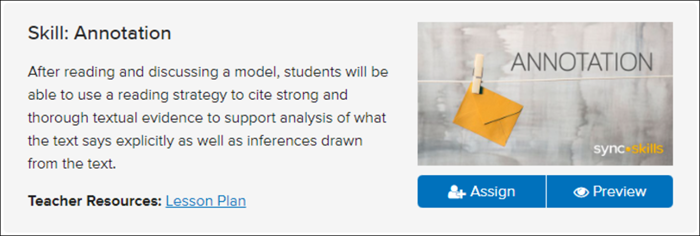
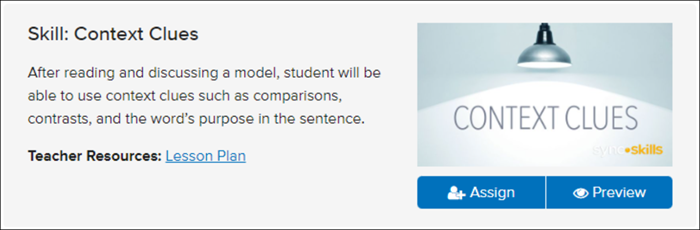
- Annotation, reading comprehension, and vocabulary strategy lessons prepare students for StudySync’s rigorous close reading routines.
- SyncStart writing instruction prepares students for the text-dependent and constructed responses they will compose in Core ELA Units.
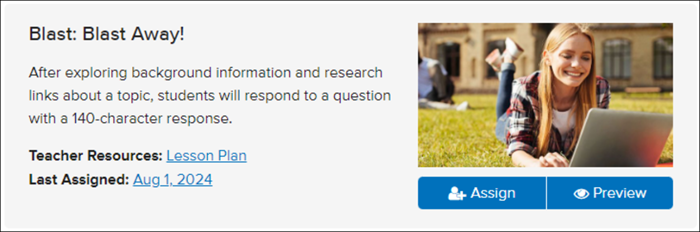
SyncStart lessons help build student capacity to understand the components of each lesson and how to interact and complete these lessons. The lessons are always in the same format, so there are no surprises. We know students do best when they are comfortable with routines, and StudySync builds confidence in students with Blasts, Skills, and the Reading Routine.
SyncStart skill lessons also help teach students how to interact with the digital platform by taking annotations, completing Blasts and peer reviews, and preparing them for having collaborative conversations in the classroom.
Locating SyncStart Units
1. SSO or log in at my.mheducation.com.
2. Launch StudySync.
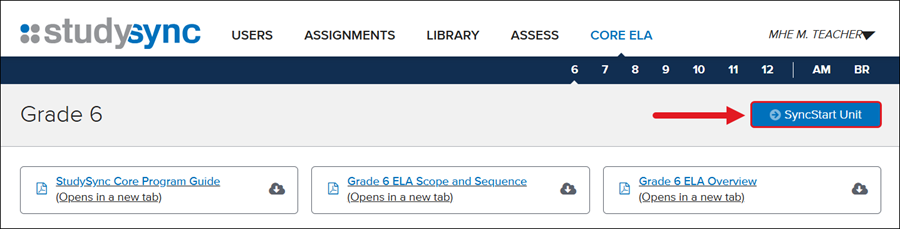
3. Click on CORE ELA.
4. Select the grade level.
In the 6-unit program, SyncStart is embedded in Unit 1 of each grade level under Integrated Reading and Writing or Instructional Path section.
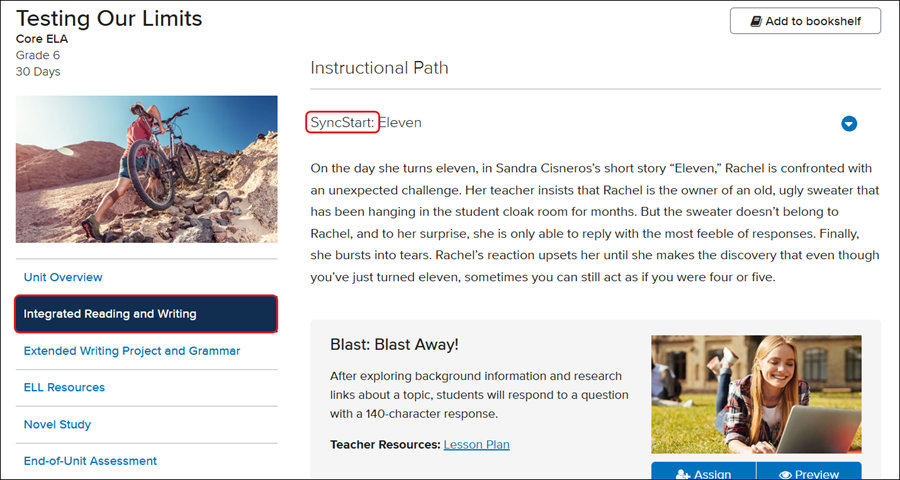
If you have the 4-unit program, you can find SyncStart on the unit landing page of each grade level by clicking the SyncStart Unit button.
For steps on creating assignments, refer to the StudySync - Assignments article.
