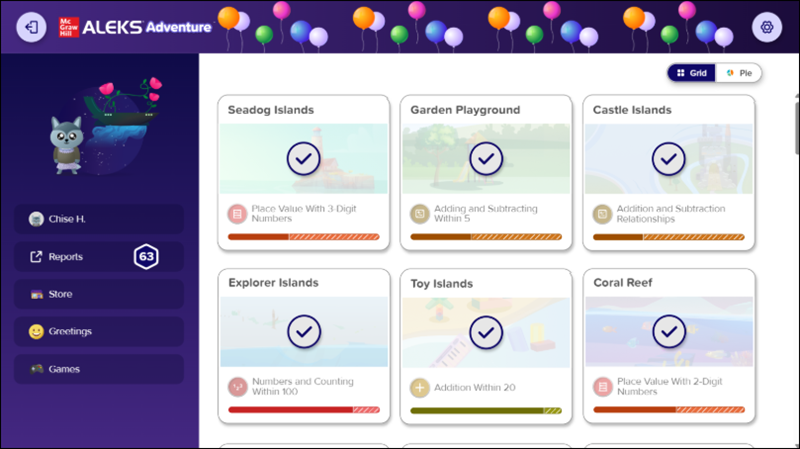
Access ALEKS Adventure Topic Rewards
Learn how access and use topic rewards work in ALEKS Adventure to motivate learning.
- Supplemental
- ALEKS Adventure
- Math
- SSO & Manual-Rostering
- Customer Support
- Direct Login & Auto-Rostering
- School Student
- Direct Login & Manual-Rostering
- School Parent
- SSO & Auto-Rostering
- PreK-12
- Elementary School
- Student Resources
- Dashboard & Navigation Overview


For a full page view of the demo, click here.
For a Spanish version of the demo, click here.
This article walks students through the different options available on the Topic Rewards page for ALEKS Adventure.
Article Contents
Topic Rewards
Once students complete a new topic for the day, they receive any Greetings that were sent to them and are then directed to the Topic Rewards page. This page only appears after they complete a topic that they have not previously completed.
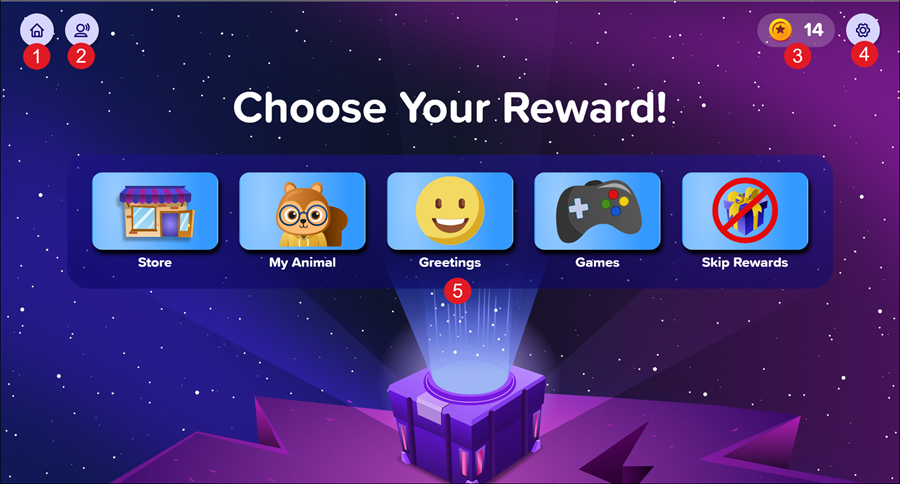
1. Home Button: Progresses students to the ALEKS Adventure Homepage.
2. Respeak Button: Replays the spoken audio on the page.
3. Coin Amount - Shows how many coins the student currently has.
4. Settings Button - Opens the Settings panel where students can toggle buttons on and off to change their environment in ALEKS Adventure. The Settings button is available in the top-right corner of every page in ALEKS Adventure.
5. Reward Options - Students select from one of the four reward options:
- Store: Takes the student to the Store where they can spend their Coins to purchase outfit upgrades for their character and upgrades for their ship.
- My Animal: Takes the student to where they can make changes to their profile animal.
- Greetings: Takes the student to the Greetings page where they can send a greeting to one of their classmates.
- Note: Greetings are not available for Kindergarten students and do not show on the Topic Rewards page.
- Games: Takes students to the Fact Fluency Game. For more information on the Fact Fluency Game, refer to the Fact Fluency Games page.
- Skip Rewards: Allows students to skip the topic rewards and continue to the next topic.
Course Completion Rewards
When students complete the course, the ALEKS Adventure Homepage updates to the Course Completion ALEKS Adventure Homepage (for either grades K-2 or 3rd grade) and students are granted rewards.
- Coins: Students receive 90 coins upon completion of the coursework.
- Greetings: Students can access the Greetings page by selecting Greetings from the ALEKS Adventure Homepage. They may send one greeting a day, with each day’s greeting unlocking at midnight.
- Note: Greetings are not available for Kindergarten students and do not show on the homepage.
- Greeting Notifications: Students receive greetings from other students when accessing the Greetings page.
- Store: Students can access the Store by selecting Store from the ALEKS Adventure Homepage. There is no limit on how many times they can access the Store.
- Games: Students can access the fact fluency game by selecting Game from the ALEKS Adventure Homepage. There is no limit on how many times they can access the fact fluency game
Grades K-2 Homepage View
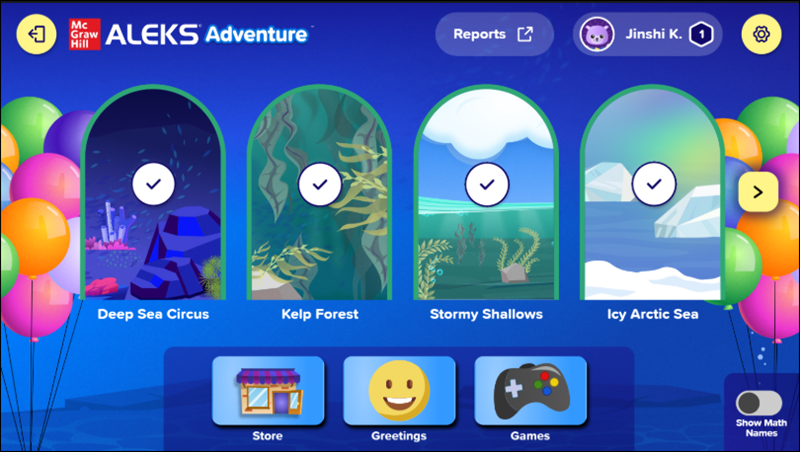
Grade 3 Homepage View