MHP How to Download eBook
Download Digital Editions, log in to McGraw Hill, My Digital Products, download the ACSM file, then open it in Adobe Digital Editions to access your eBook.
- Higher Education
- Customer Support
- Higher Ed Educator
- Higher Ed Student
- ELLevate
- FAQ


How to download a MH Professional eBook?
Before starting this process, please download Adobe Digital Editions and (optionally) authorize the device using your Adobe ID. If you are prompted to create a ByteBooks ID, this step-by-step guide will guide you through the process.
https://dtsbytebooks.com/pub/bytebooks-account-creation-help.pdf
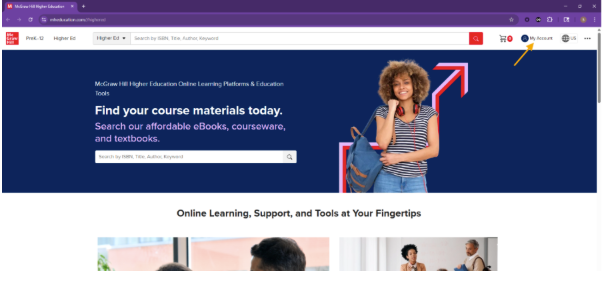
1) Go to mheducation.com, login using the credentials used to purchase, and click on My Account
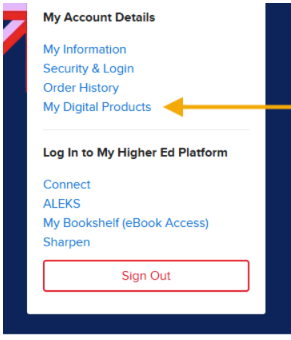
2) Click on My Digital Products
3) Click on Download DRM protected PDF button
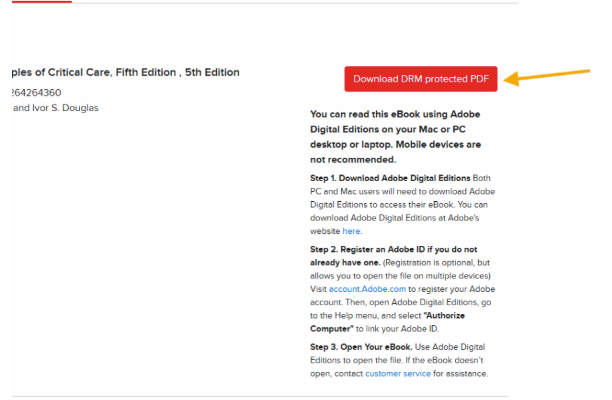
4) The file will download as URLLink.acsm
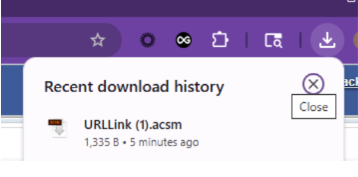
5) Ensure that you have downloaded Adobe Digital Editions to your PC or Mac desktop/laptop.
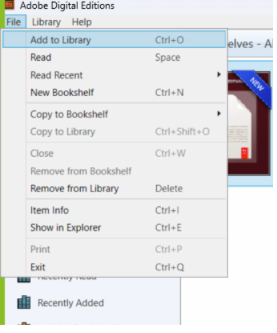
6) Open Adobe Digital Editions, click on File
7) Click on Add to Library
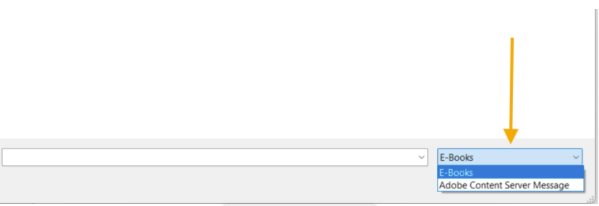
8) Locate the folder that the file is saved to and click the drop down to select Adobe Content Server Message
9) Select the file name and click Open
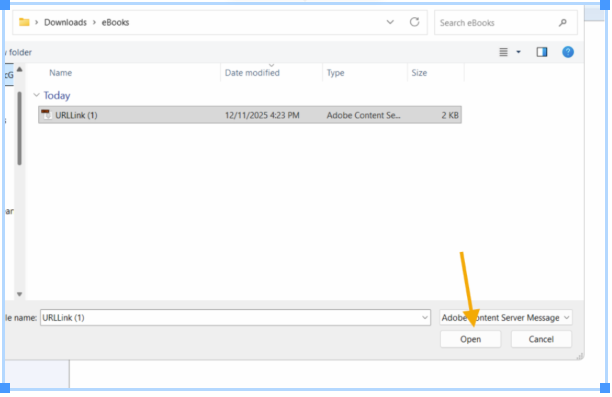
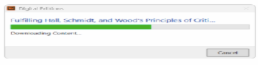
10) You will see a pop up indicating that the eBook is downloading
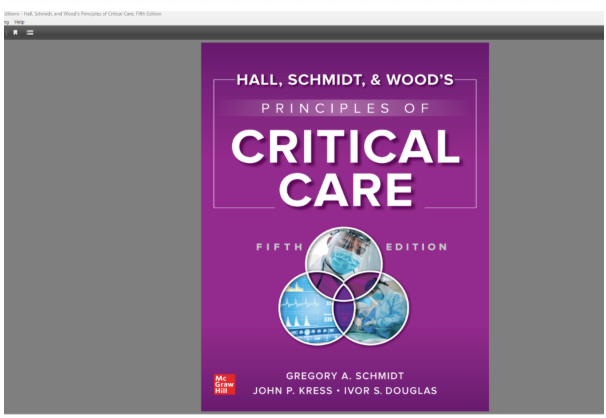
11) The eBook will open on the cover page.