Connect - Library Resources Overview
Get an overview of library resources available in Connect.
Tags
- Higher Education
- Customer Support
- Connect
- Course Management
- Instructor


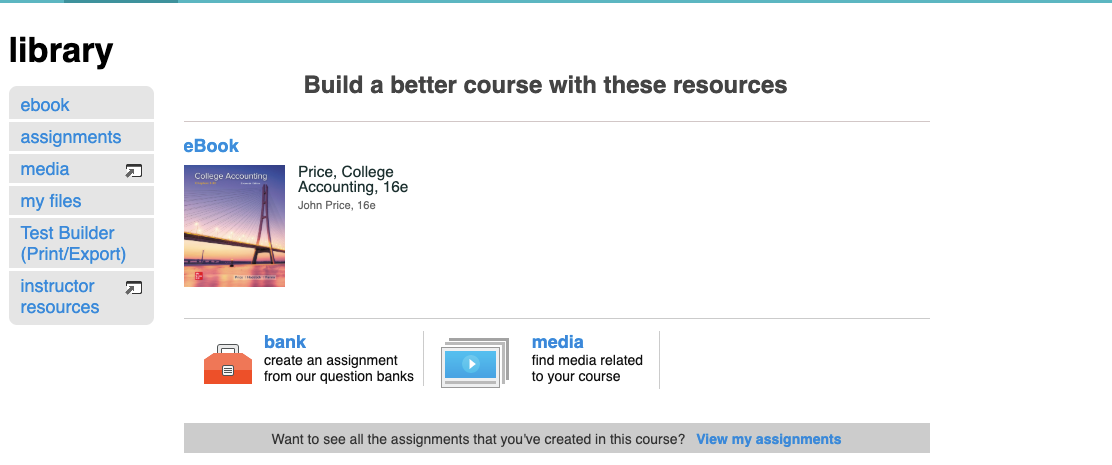
The Library tab houses several useful resources. At the top of the page, you'll see links to:
- eBook: an interactive version of your textbook
- bank: create assignments using questions from the banks
- lectures: Use media tool to record your lectures for future use or as reference for your students.
From the left side menu, you can access:
- assignments: access the assignments that you’ve created in the selected course.
- my files: upload any files you wish to use in your course.
- voice tools: create podcasts, voice presentations and voice emails.
- instructor resources: access case studies, PowerPoint presentations, the instructor manual, and other materials specific to your course textbook.
Note: Voice tools and pre-made assignments are only available with select titles.