
Connect - Creating my own Student Account
Learn how to create a student account in Connect using a course URL or registration code.
- Higher Education
- Customer Support
- Connect
- Instructor


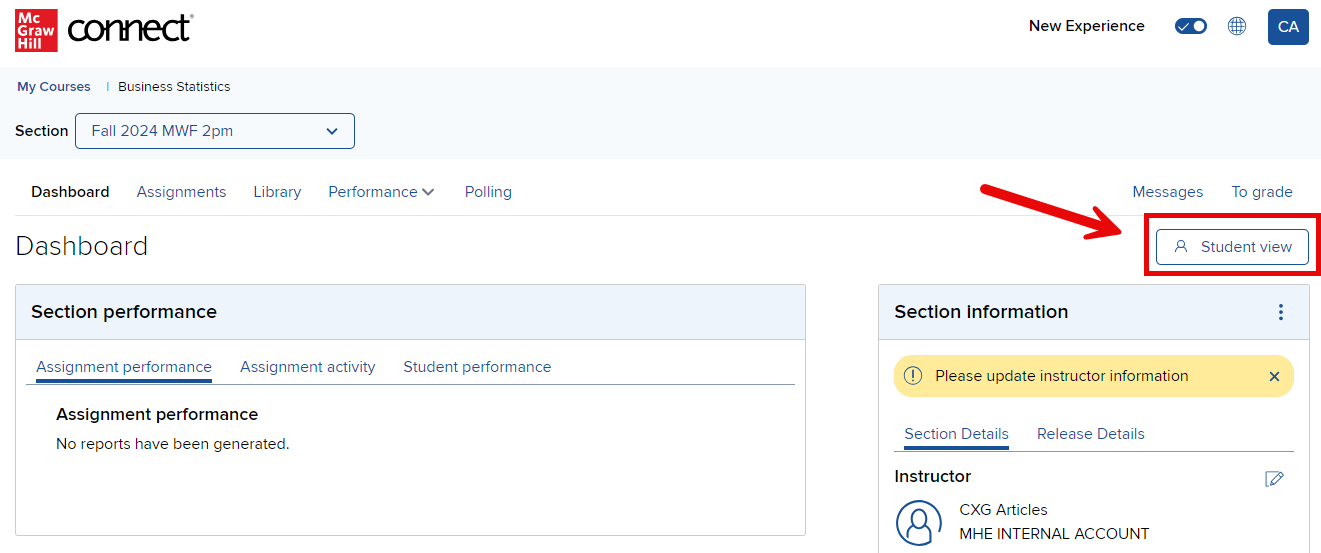
Connect includes a built-in Student View option. At any time, you can switch your view from instructor to student by clicking on the Student view button in the upper-right section of the home tab. This view will allow you to check assignment availability and preview your assignments as a student.
If you would like to preview other areas of Connect as a student or view the registration process, you can also create your own student account. You can follow the same steps that your students take to register. You can utilize the Temporary Access option or if you would like to continue using the student account beyond the temporary access period, please contact your Learning Technology Sales Rep and request a registration code.
Important Note: When creating a student account, use a different email address than your instructor account or you will lose instructor access.
