Authoring:
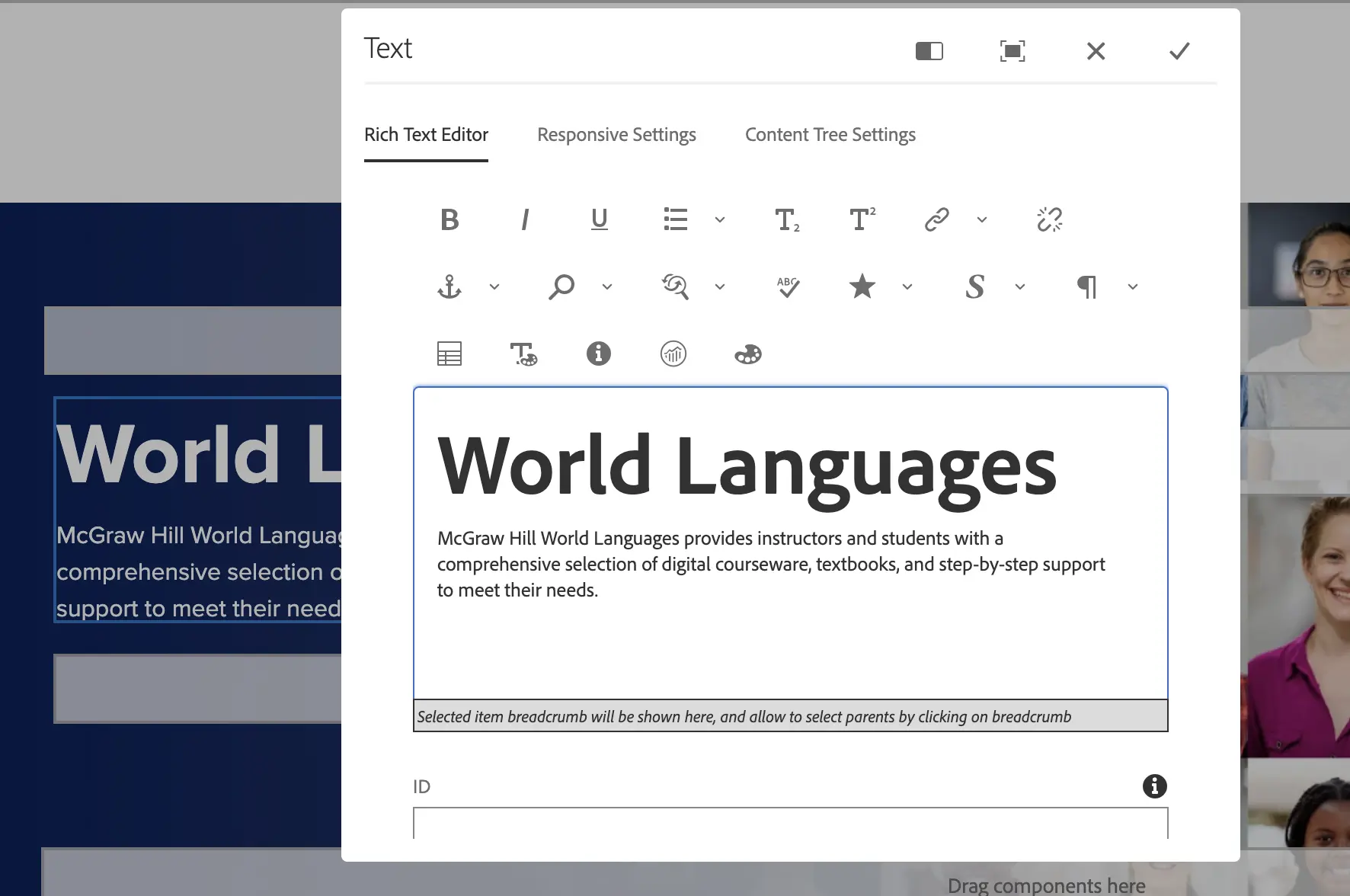
H1 Head and Description (max number of chararcters)
This request should only be submitted if the head doesn't match the page title or if the description has grammar errors.
Authoring:
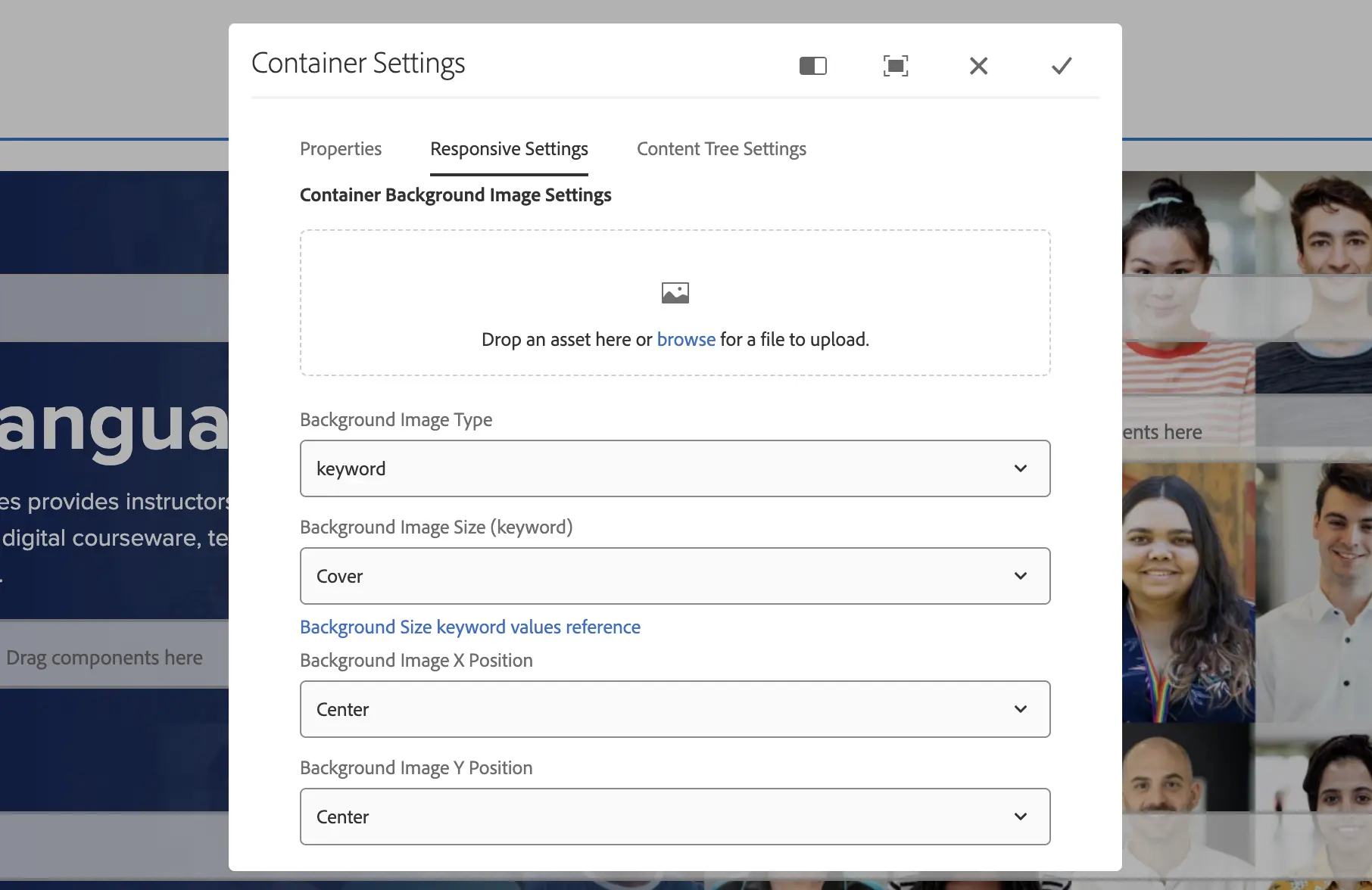
Replace the background hero image. A creative request would need to be submitted here to have a new image created before replacing.
Authoring:
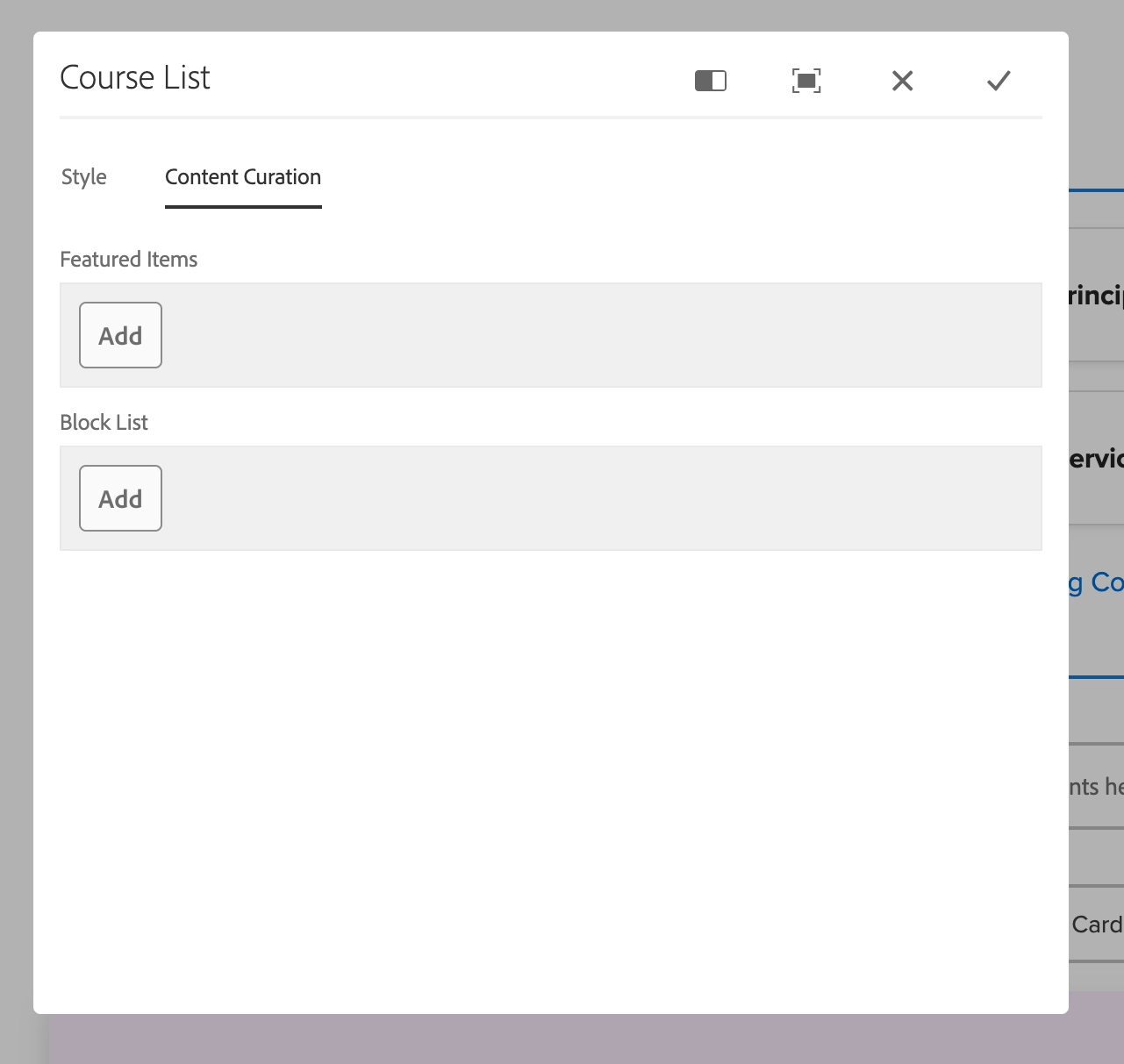
The component automatical generates a list based off the discipline ID number. The component has the option to manually set featured items and a block list.
Authoring:
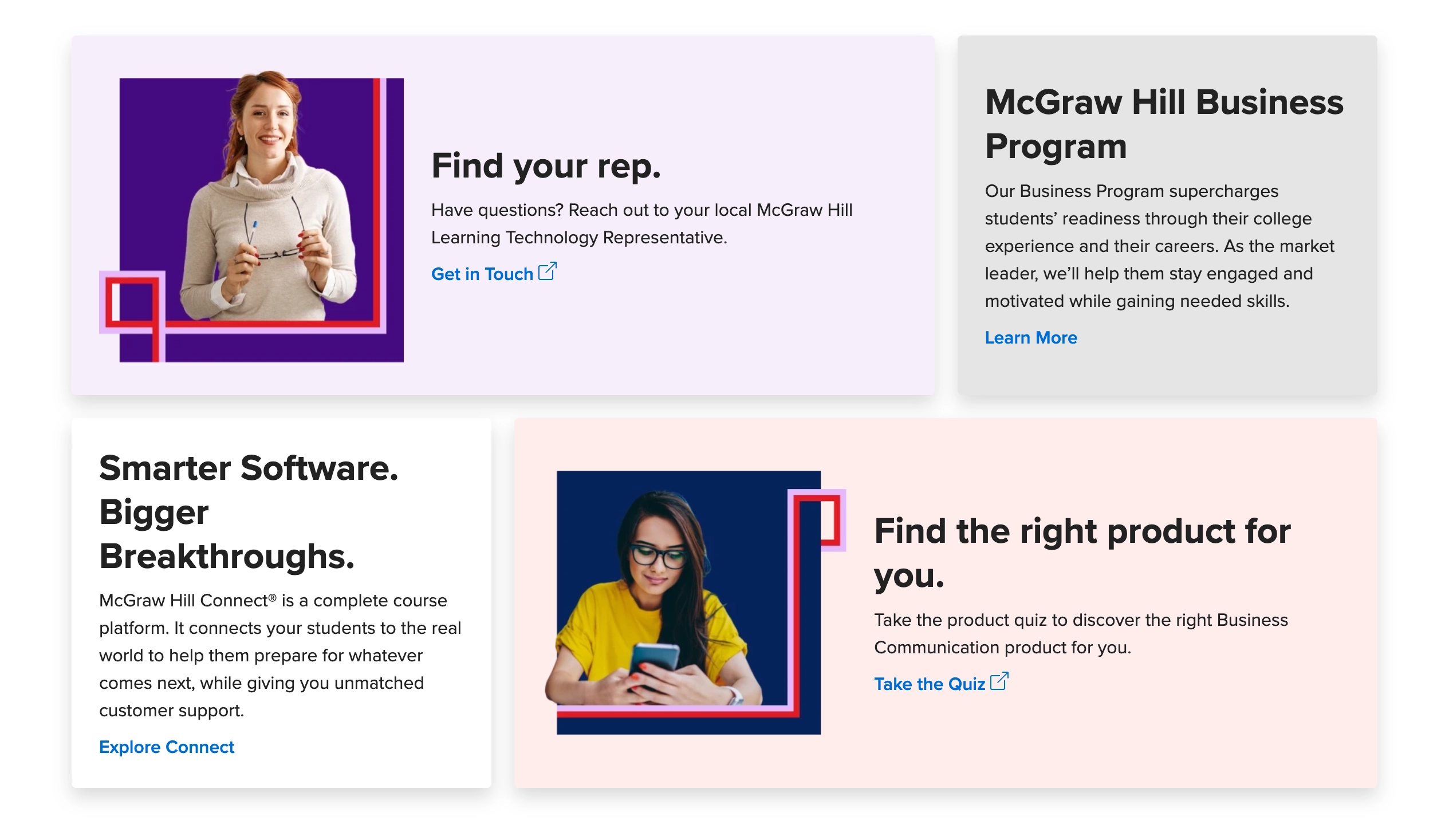
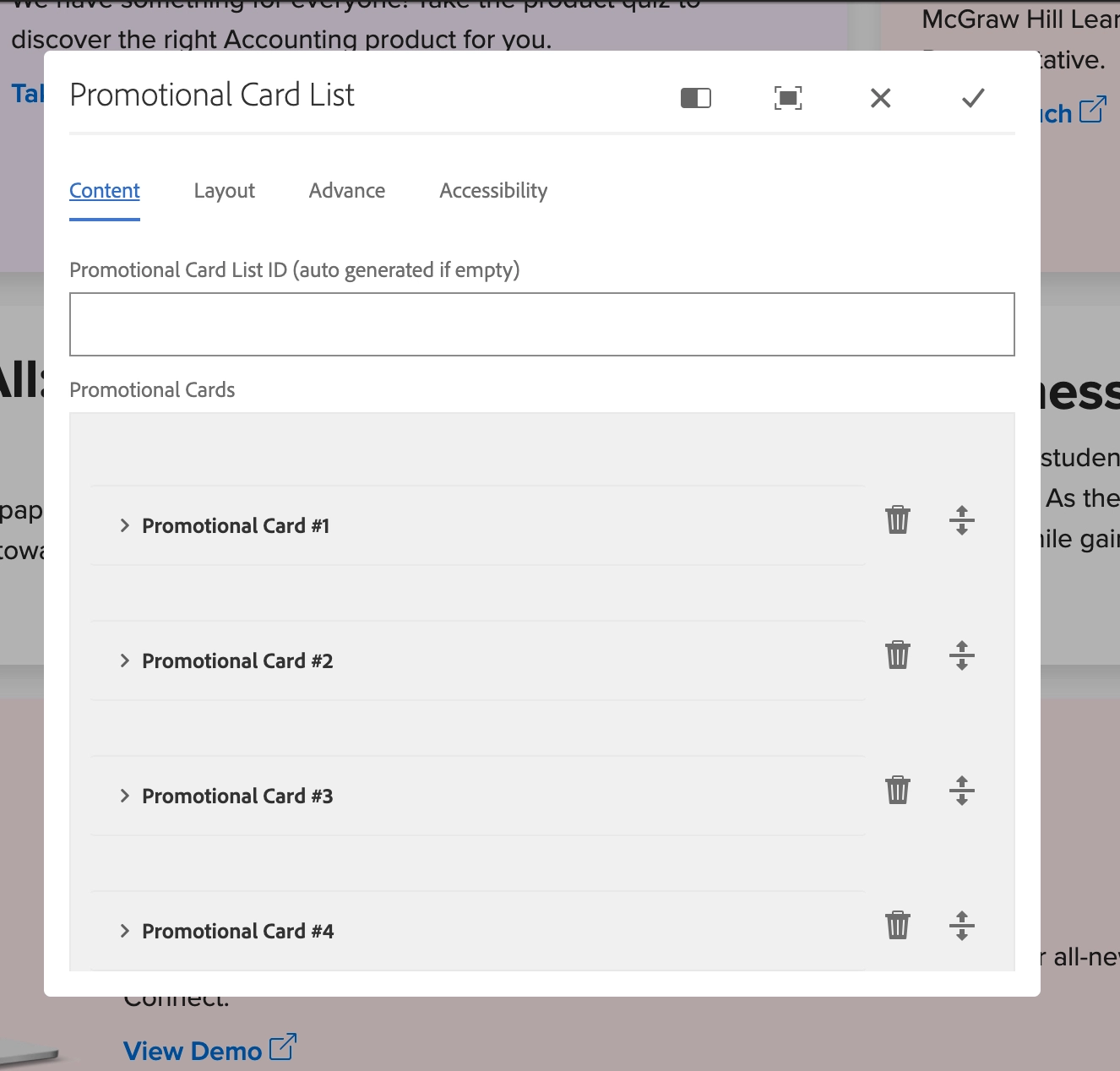
A limit of 6 cards can be loaded. All card content lives as content fragments and is structured based on a title, description, image, link text, and link URL. When a new card is needed a creative request should be made to have an image created.
Authoring:
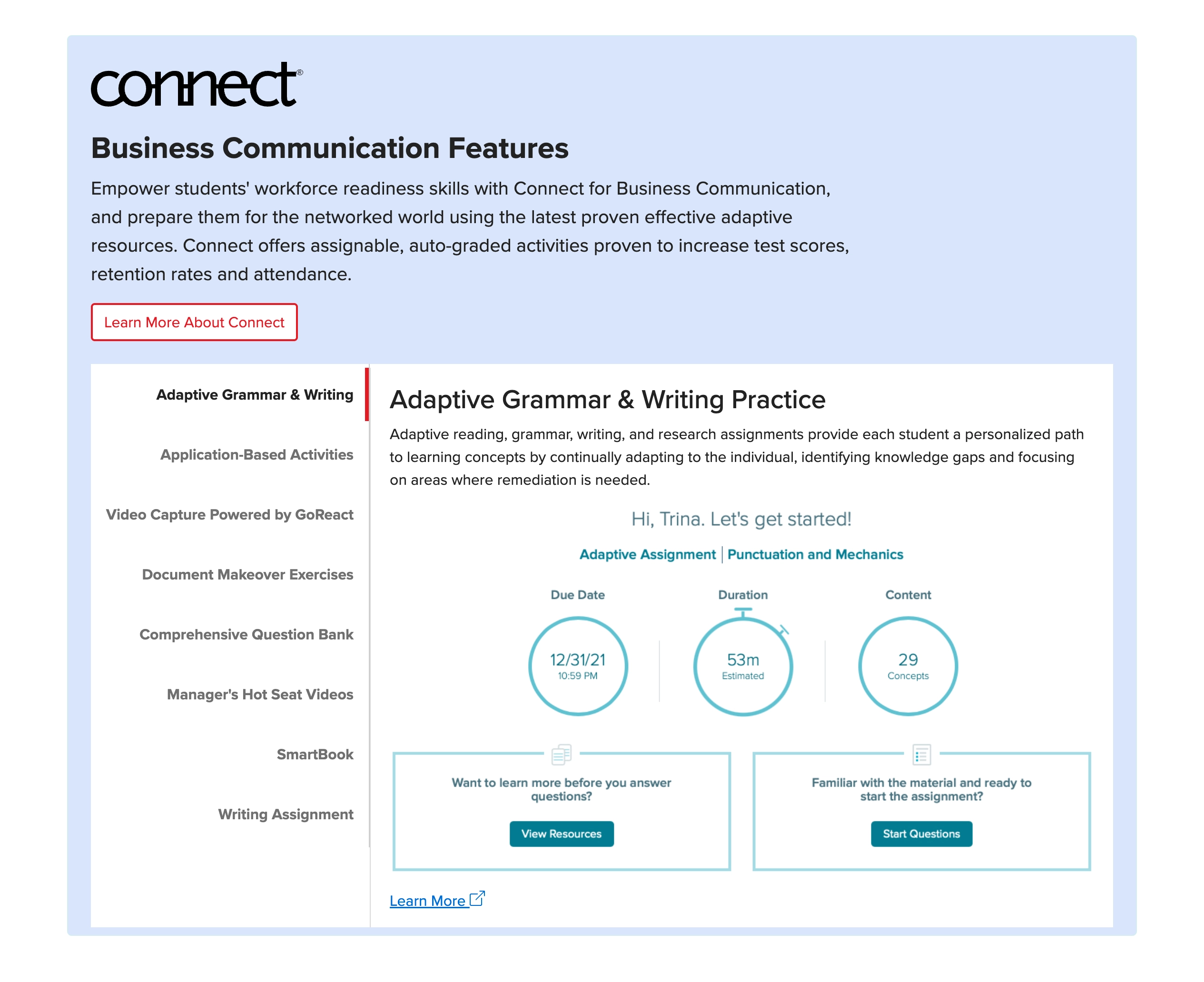
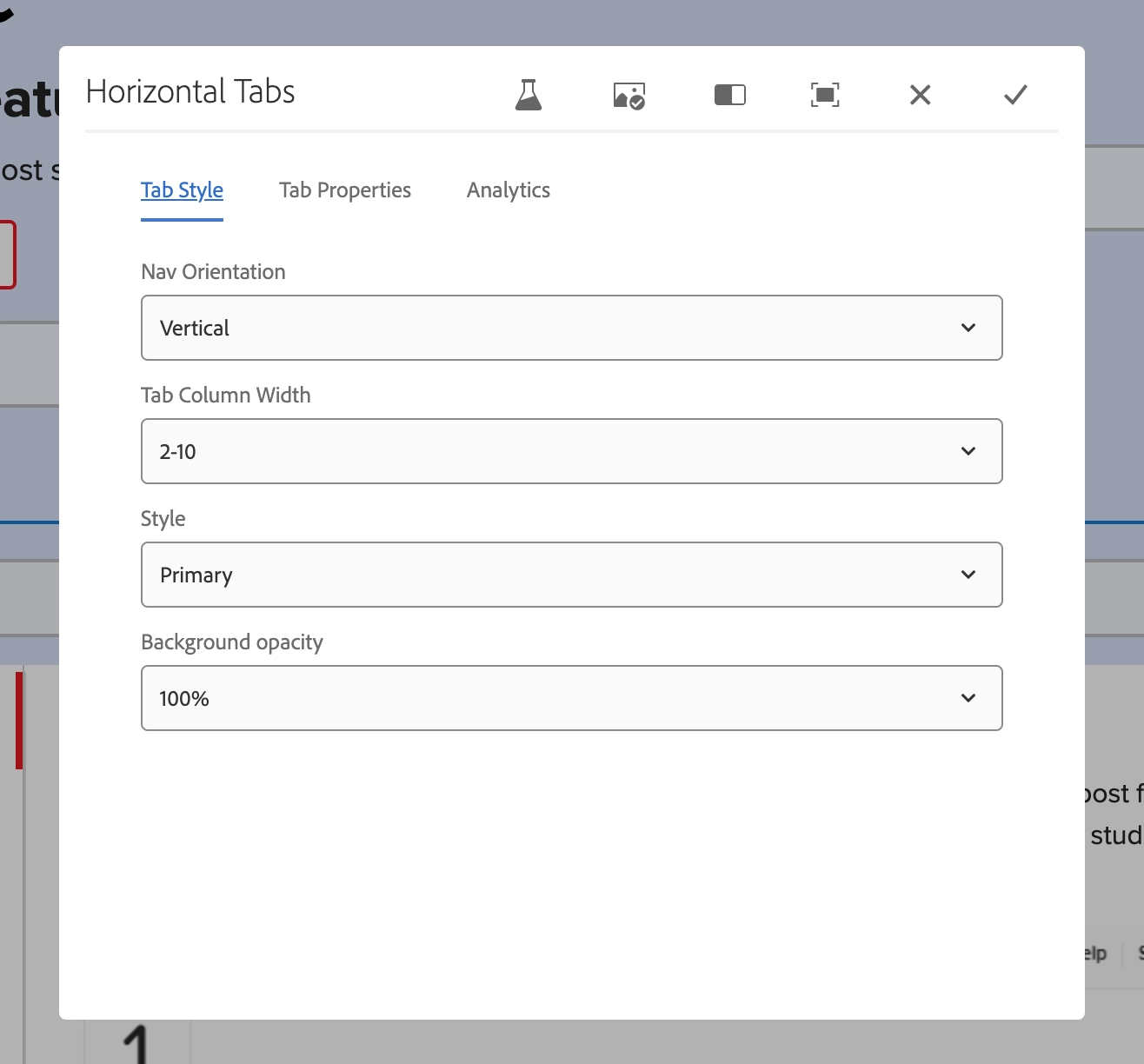
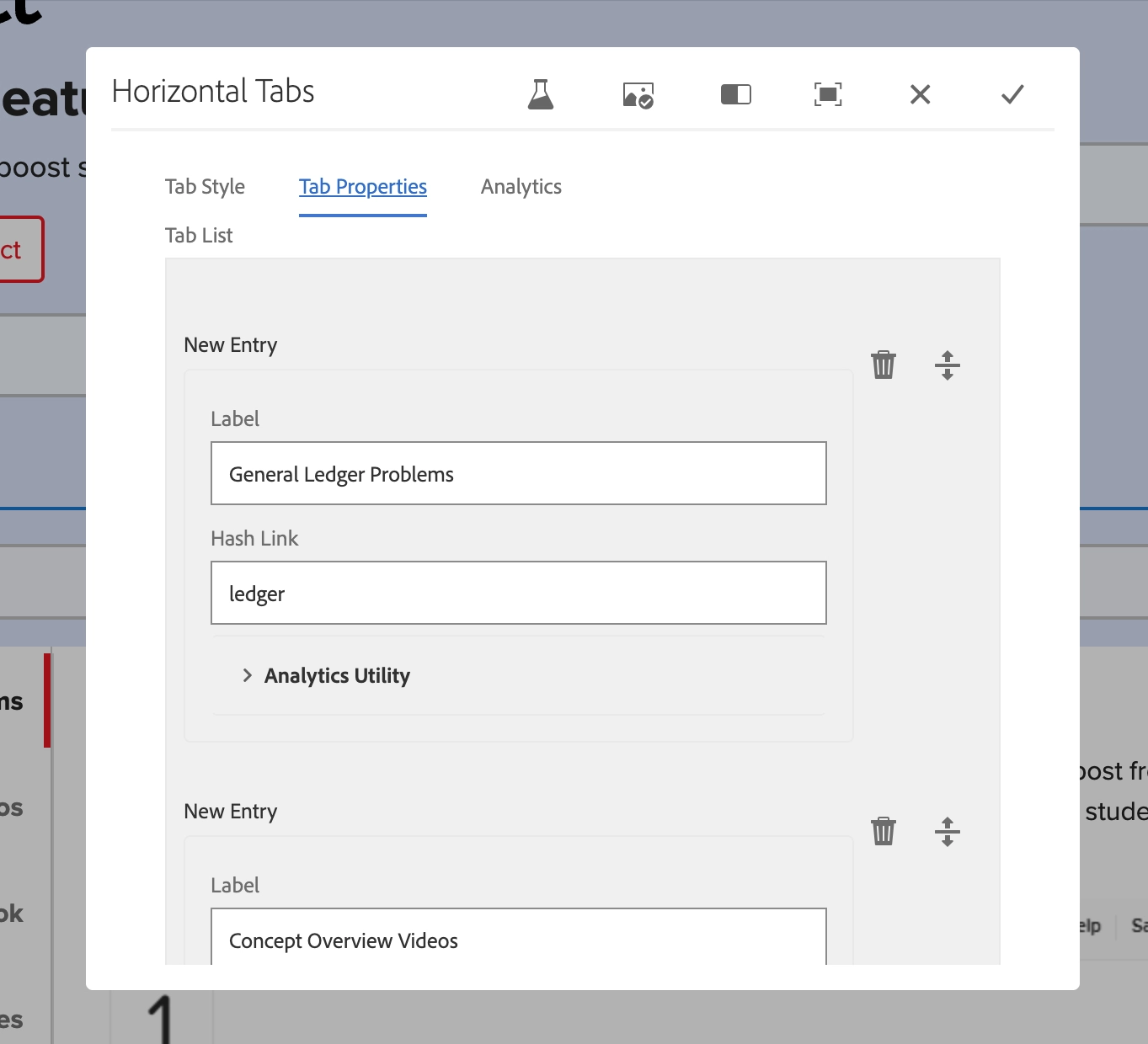
This section is built using a number of components. The title and button are standard content that should not be updated. All the content that sits in the tab component can be updated. We should avoid having over 6 tab items to avoid height issues on different devices.
All videos need to be hosted on vidyard. Avoid linking to external websites.
Authoring:
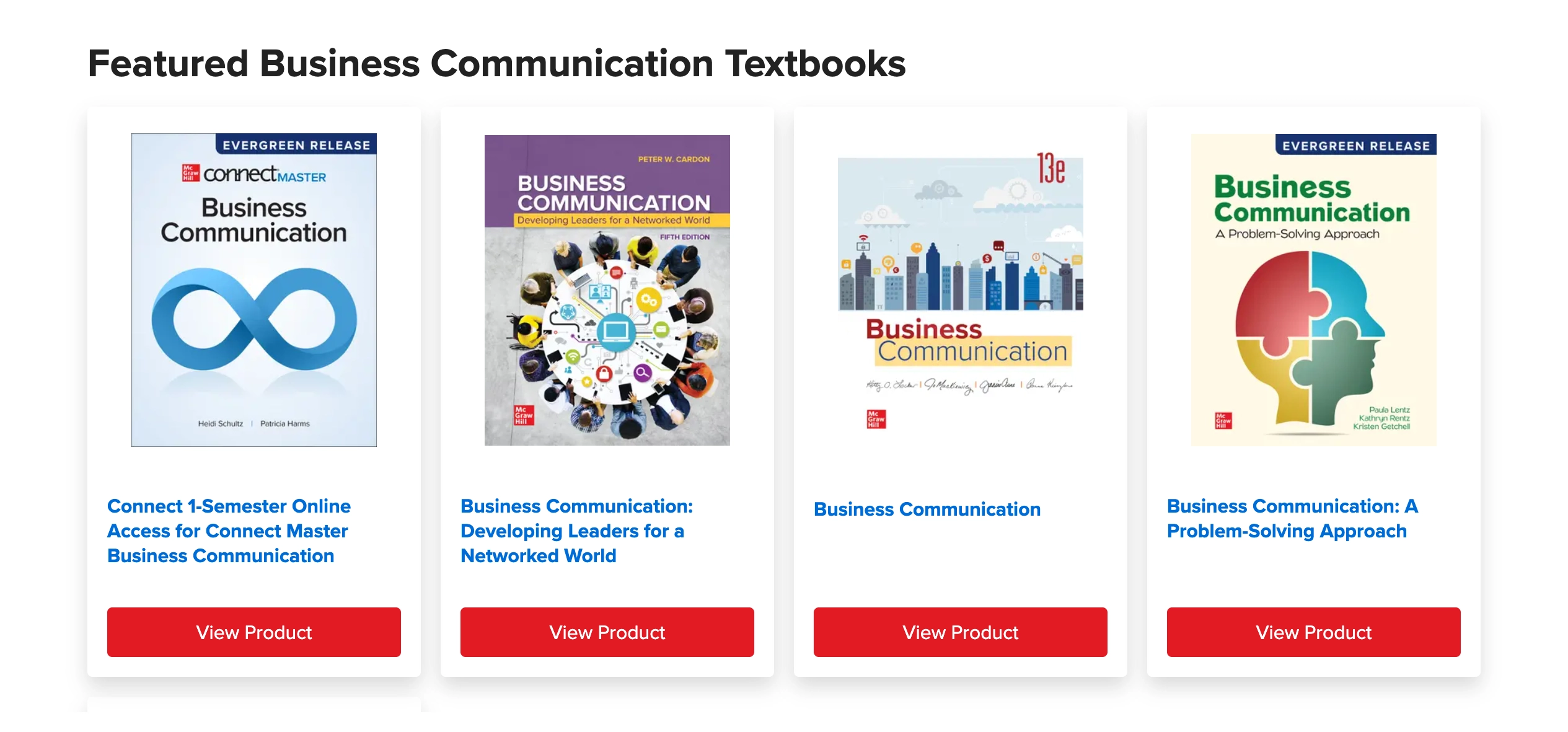
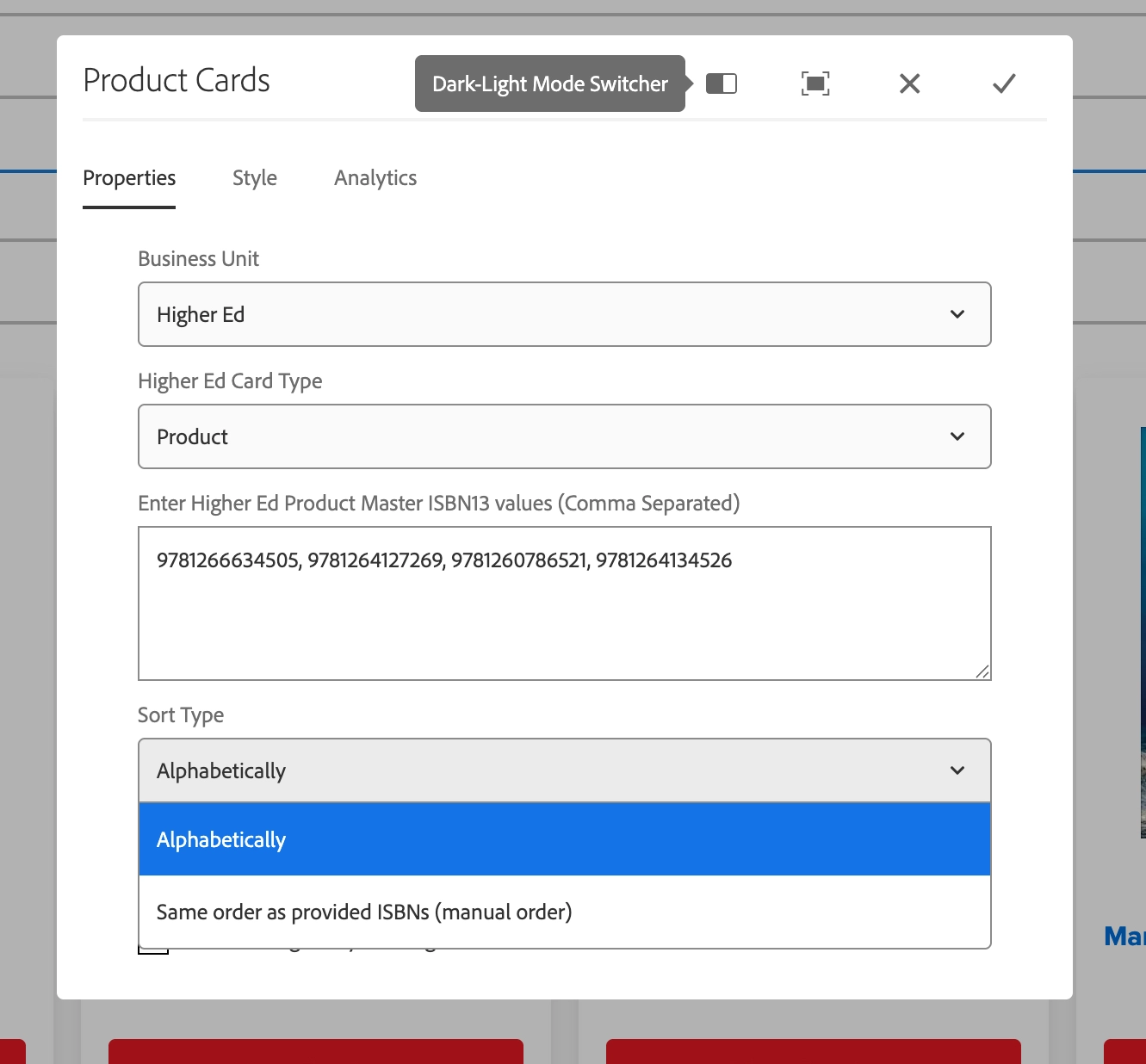
This component displays products based on Higher Ed Product Master ISBN13 values. The sort type options are alphabetically or same order as provided ISBNs. The style options of the cards we are allowed to hide the view product button. The cards are generated through the component and authors can't change the look and feel or replace covers. Covers are pulled from the cover server.
Authoring:
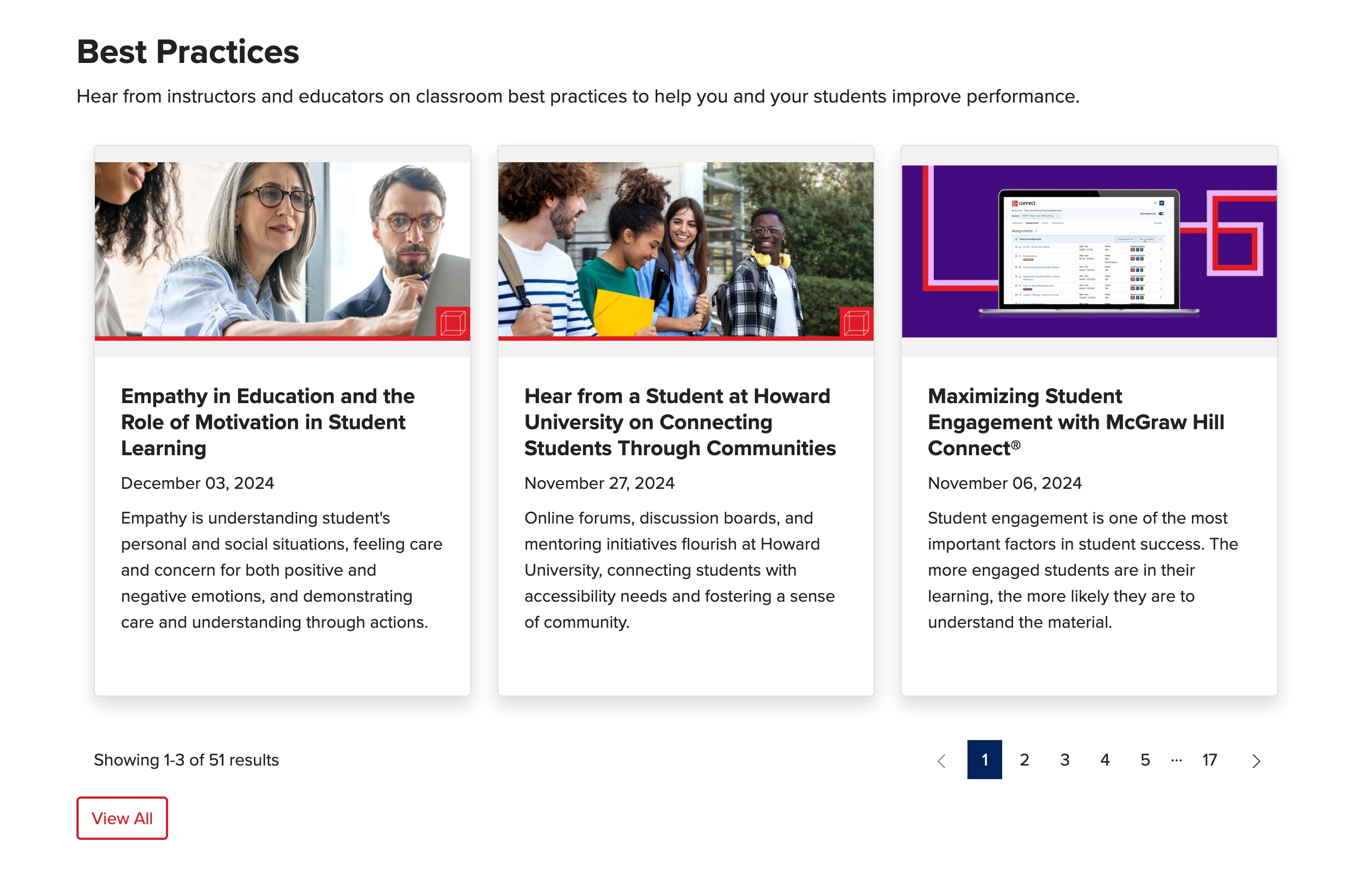
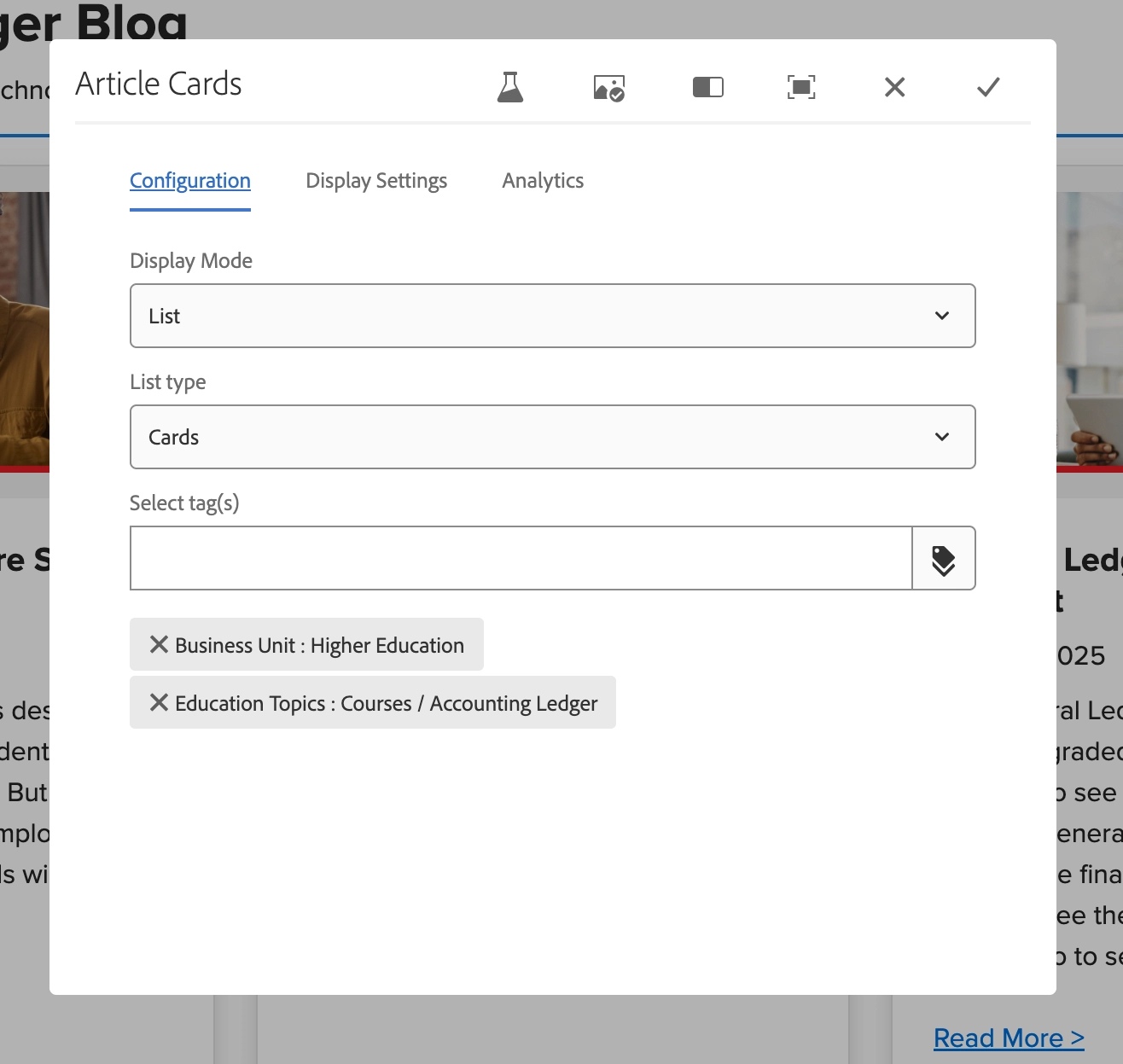
The component pulls articles based on tags. You can display 4 articles max per row and add number of rows to display.
This is the area to display blog articles and virtual events.